Walk into any laptop section at a Harvey Norman or a JB Hi-Fi this month and you’ll see a sticker that wasn’t there eighteen months ago: “Copilot+ PC” or “AI-ready”, usually next to a little chip icon. The question we keep getting from readers, especially uni students who just want a laptop that will last, is simple. What is an NPU, and do you actually need one? Short answer: it depends what you’re doing with the machine, and honestly, for a decent slice of Australians the answer right now is “not yet, but soon enough it won’t matter because it’ll just be there anyway.”
Let’s get the jargon sorted first, because the marketing has gotten ahead of the explaining.
What is an NPU, actually?
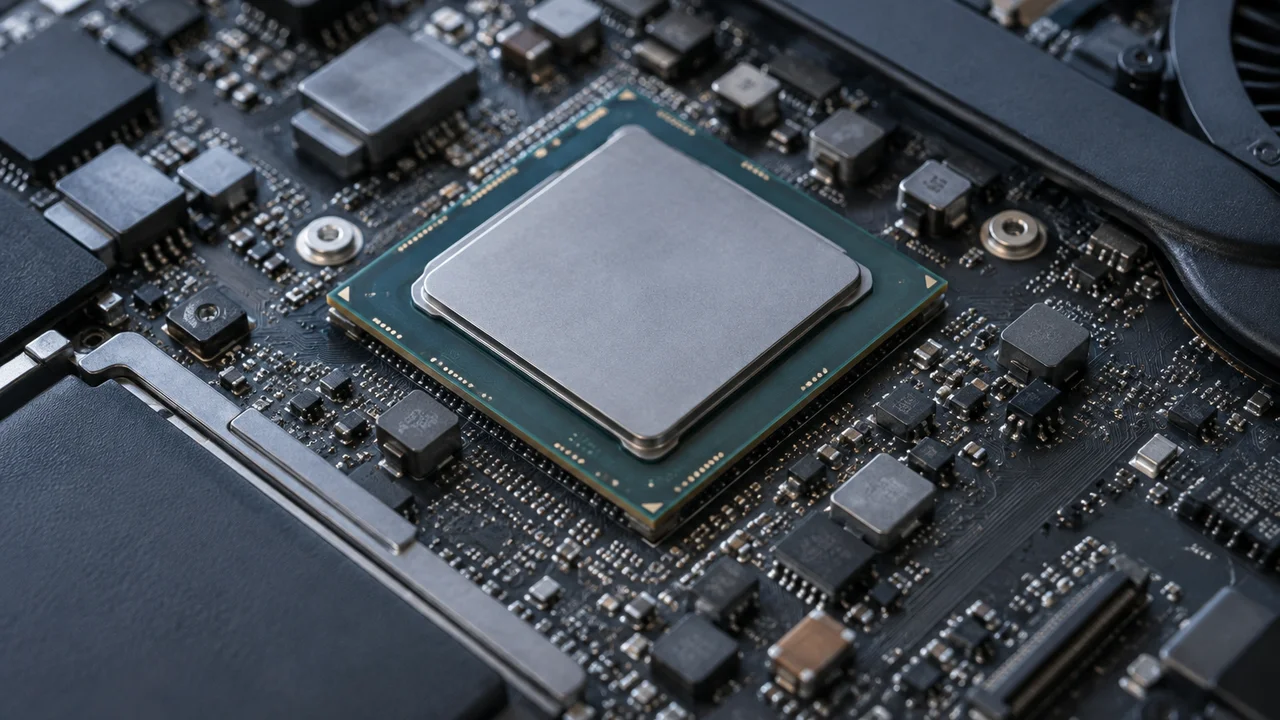
NPU stands for neural processing unit. It’s a dedicated chunk of silicon, sitting alongside your CPU (the general-purpose brain of the computer) and GPU (the graphics chip), whose only job is running the maths behind AI models efficiently. Think of it as a specialist rather than an all-rounder. A CPU can technically do the same calculations an NPU does, the same way a utility player can technically fill in at ruck for a quarter, but it’s slower and burns a lot more energy doing it.
The specific maths involved, matrix multiplication at huge scale, is what powers things like real-time background blur in video calls, live transcription, image upscaling and the on-device bits of modern AI assistants. Microsoft’s own documentation on Copilot+ PC requirements sets a minimum NPU performance bar of 40 TOPS (trillion operations per second) for its flagship on-device features, which gives you a sense of where the industry has decided the useful threshold sits.
Why everyone is talking about it now
Intel, AMD, Qualcomm and Apple have all been shipping NPUs in their chips for a few years, but 2024 and 2025 are when the marketing caught up. Microsoft’s Copilot+ PC branding, which requires a qualifying NPU, pushed the term into every laptop spec sheet almost overnight. Apple’s been doing something similar with its Neural Engine branding on Apple Silicon Macs since well before “NPU” was a term normal people used.
The honest reason this matters to Windows buyers specifically is timing. Microsoft ended free support for Windows 10 in October 2025, and whilst the consumer Extended Security Updates programme has since been stretched out (our deep dive on what Australians should do now covers the detail), a lot of people are in the market for a new Windows 11 machine anyway. That means the NPU conversation is landing right in the middle of millions of otherwise unrelated upgrade decisions. It’s good timing for the chipmakers, whether or not it’s good timing for your wallet.
What it actually speeds up today
This is where we get a bit contrarian, because most of the breathless coverage skips straight past the “so what” question.
Right now, in late 2026, the concrete, everyday benefits of a strong NPU are genuinely narrow. If you’re on Windows 11, features like Windows Studio Effects (background blur and eye contact correction in video calls), Live Captions with real-time translation, and the Recall timeline feature all lean on the NPU to run locally rather than sending your webcam feed or audio off to a data centre. Local processing is also a privacy win, since none of that data needs to leave the laptop, which matters if you’re the sort of person who reads the OAIC’s privacy guidance for fun.
Adobe, DaVinci Resolve and a handful of other creative apps have started routing some filters and noise reduction through the NPU too. But if you’re a gamer, which is the beat we actually cover here, the NPU does close to nothing for you today. Frame rates in current titles aren’t touched by it. Upscaling tech like DLSS and FSR runs on the GPU, not the NPU. We’d argue the gaming use case for NPUs is still mostly a future promise rather than a present reality, and anyone telling you otherwise is getting ahead of the actual software.
The TOPS numbers game, and why it’s a bit like comparing game ratings
Every NPU now gets marketed with a TOPS figure, and bigger sounds better, which is exactly the trap. It’s a bit like judging a game purely on its Metacritic score without checking whether it’s actually fun to play. TOPS tells you theoretical peak throughput for a very specific kind of calculation; it doesn’t tell you which software on your machine will actually use that headroom, or whether the difference between 40 TOPS and 50 TOPS will be visible to a normal human doing normal things. For most buyers in 2026, clearing Microsoft’s 40 TOPS bar for Copilot+ eligibility is the only number worth remembering, because it unlocks a specific software tier rather than delivering some vague general speed boost.
Does your next laptop actually need one
Here’s our honest take, and it won’t make the chip vendors happy. For the vast majority of Australians buying a laptop for email, browsers, streaming, uni assignments and video calls, an NPU is a nice-to-have bundled into the chip you were going to buy anyway, not a reason to spend extra. Nearly every current-generation Intel Core Ultra, AMD Ryzen AI and Qualcomm Snapdragon X chip ships with one baked in now, so in practice you’re not choosing “NPU or no NPU” any more, you’re just choosing which laptop. The exception is the budget end of the market, where older chip generations without a qualifying NPU are still being sold through, often at a genuinely attractive price. If you’re shopping that end of town, our guide to where to actually save money is worth a read before you worry about chip specs at all.
If you’re a content creator doing serious video or photo editing, or you’re the sort of person already using AI tools daily for study or work, the calculus shifts. Our rundown of what’s actually useful for Australian students touches on a few apps where local AI processing genuinely saves time rather than just ticking a marketing box.
What this means for gamers specifically
We’ll be straight with you: if gaming is the main reason you’re buying a laptop, the NPU should sit near the bottom of your priority list, well behind the GPU, the display’s refresh rate and the cooling design. NVIDIA’s RTX 50-series laptops, which we’ve covered in our guide to which GPU is actually worth buying, are where the real frame rate gains live, not in the neural co-processor sitting quietly next to the CPU.
There is a longer-term argument worth having though. Game engines are starting to experiment with AI-driven NPC behaviour and procedural content that could, in theory, offload some work to an NPU rather than the GPU, freeing up graphics horsepower for the stuff you actually look at. Nothing shipping today leans on this meaningfully. We reckon it’s a two-to-three-year horizon before it’s a real factor in a purchase decision, and buying a laptop today purely to future-proof against it is, in our view, not a good use of your money.
The Apple side of the ledger
It’s worth a quick note that Apple’s been ahead of this conversation for years without needing the acronym, because its Neural Engine has been part of every Apple Silicon Mac since the first M1 chips landed in 2020. If you’re weighing a MacBook against a Windows machine, our processor battle breakdown covers how the three ecosystems actually compare on this front, including where Apple’s tighter hardware-software integration gives its NPU equivalent a genuine head start on certain tasks like Photos’ subject recognition and Live Text.
Our verdict: buy the laptop, not the acronym
Don’t let an NPU figure talk you into or out of a purchase on its own. By this point in the chip cycle, nearly every mainstream laptop above the absolute budget tier has a perfectly serviceable one included, so there’s rarely a straight choice to be made. What actually matters is the rest of the spec sheet: enough RAM (16GB is our floor recommendation for anyone doing more than the basics), a CPU and GPU combination that suits what you’ll actually use the machine for, a screen you won’t regret after a fortnight, and a battery that gets you through a lecture block or a flight to Perth without hunting for a power point.
If you’re deep into the comparison-shopping phase already and security is part of your decision, it’s also worth checking our rundown of password managers and our router security checklist, since a new laptop is exactly the moment most people forget to lock down the basics.
NPUs are coming whether we like it or not, and in a year or two the conversation will probably have moved on entirely, the same way nobody asks “does this phone have a dual-core processor” any more. For now, treat the acronym as a box that’s quietly ticked on most modern hardware, not a feature worth chasing at the expense of the things that actually change how your laptop feels to use every day.
— Josh Tannenbaum, Gaming Writer, Tech Geek