Nine times out of ten, when we hear from a reader whose NBN connection drops out, the problem isn’t actually with NBN Co’s network. It’s the modem, the router placement, a loose cable behind the TV unit, or a retailer plan that was never going to cope with a household running three streaming services and a kid on a games console at the same time. We’ve spent a fair bit of time over the years talking readers through this, usually while they’re furious and mid-sentence about how much they’re paying a month. Fair enough too. But the fix is rarely as dramatic as people expect.
This is an evergreen problem because dropouts happen to everyone eventually, regardless of which retailer you’re with or what plan you’re on. What changes is how you work through it without wasting half a Saturday on hold.
Work out whether it’s really the NBN or just your Wi-Fi
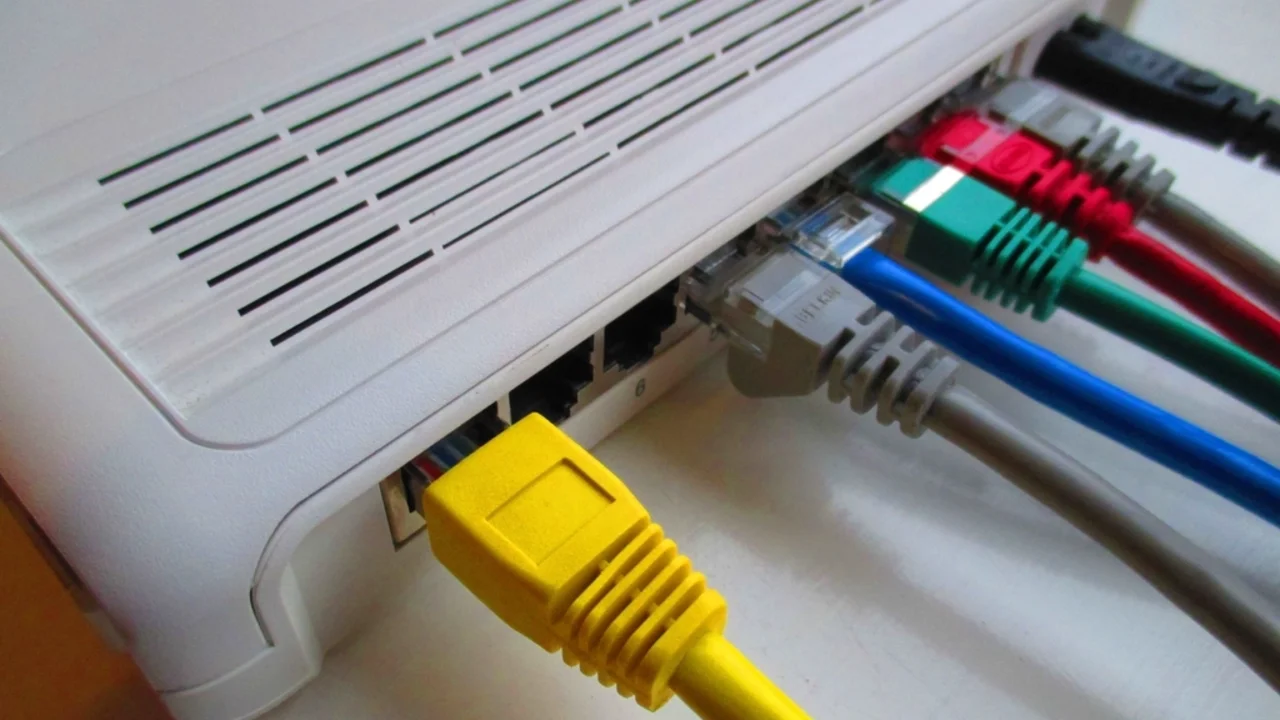
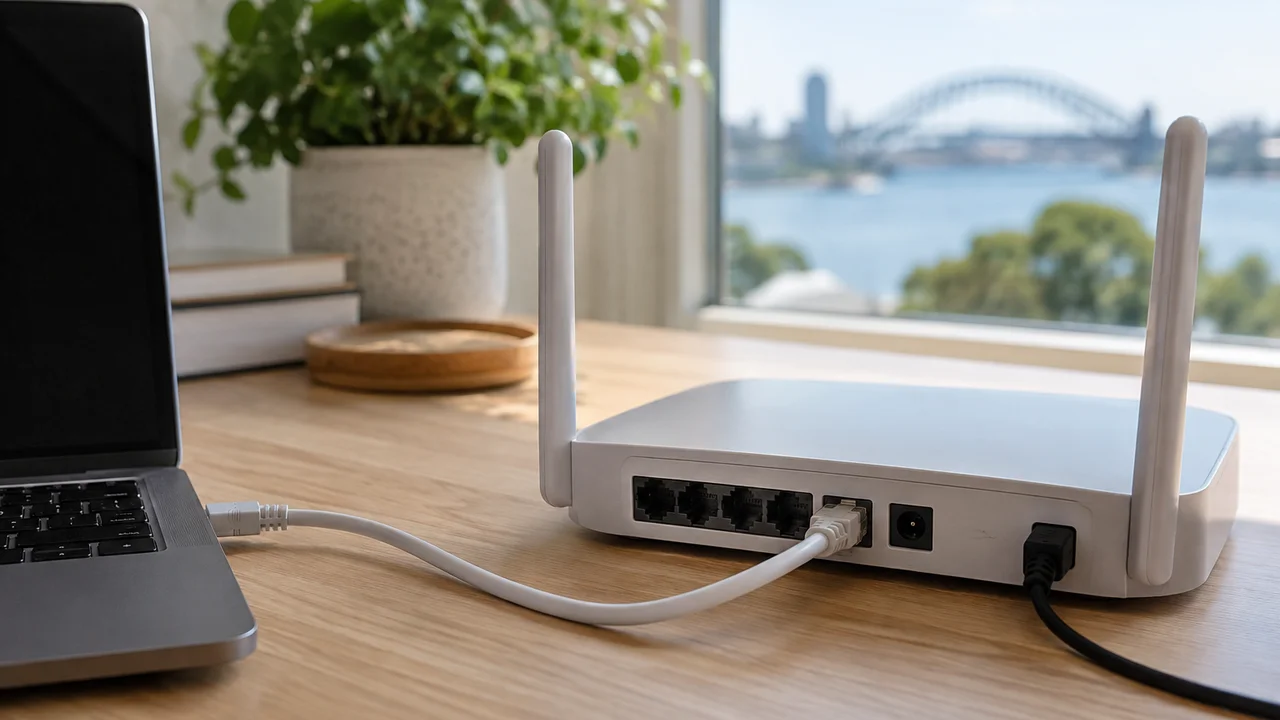
The first thing worth doing, and most people skip this, is plugging a laptop directly into the modem/router with an ethernet cable and seeing if the drop-outs still happen. If they stop, your problem isn’t the NBN connection at all. It’s your Wi-Fi, and that’s a completely different fix involving router placement, interference from your neighbour’s network, or a router that’s simply getting old and tired.
We’d genuinely argue this is the step most readers get wrong: they ring their retailer convinced the “internet is down” when really it’s a four-year-old router sitting inside a cabinet with a closed door, three metres from where everyone actually uses it. Wi-Fi signal degrades fast through walls, especially brick or besser block, which is most of Australia’s older housing stock.
If you haven’t run a proper speed test to confirm what’s actually happening, our guide on how to test your internet speed properly walks through doing it right, wired versus wireless, at different times of day, because a single test at 7pm on a Friday tells you almost nothing useful on its own.
Check the NBN Co outage map before you do anything else
NBN Co publishes network status information and retailers can check for known outages in your area. Before you touch a single cable, it’s worth asking your retailer (or checking their outage page, most major ones have one) whether there’s a known fault affecting your address. Sometimes it’s as mundane as scheduled maintenance; sometimes it’s storm damage to infrastructure that genuinely isn’t your problem to fix. NBN Co’s own site has information on connection types and network status at nbnco.com.au, though remember NBN Co doesn’t sell you internet directly, your retailer (Telstra, Optus, TPG, Aussie Broadband and so on) is who you actually ring.
Storms are a genuinely common cause of dropouts along the east coast particularly through summer, and if you’re on Fibre to the Node or Fibre to the Curb, degraded copper in wet weather can cause intermittent drops that clear up once things dry out. That’s worth knowing before you spend money on a new router that wasn’t the problem.
Reboot properly, not just a quick power cycle
Turning the modem off and on again genuinely fixes more than it should. But do it properly: power off the modem, wait a full sixty seconds (not five), then power back on and give it two to three minutes to fully reconnect before testing anything. If you’ve got a separate modem and router, power the modem off first, then the router, then bring the modem back up before the router.
It sounds fussy. It works more often than it has any right to.
If the connection drops at roughly the same time each day, that’s a useful clue rather than a coincidence. Evening drop-outs around 6 to 9pm often point to network congestion, either on your plan tier or in your street, rather than a fault at your end.
Consider whether your plan tier is actually the problem
This is where we’ll be a bit contrarian: we reckon a lot of households are on NBN 100 or even NBN 250 plans they don’t need and blaming “dropouts” for what’s actually congestion from too many devices fighting for bandwidth on an underpowered router. A basic NBN 50 plan, around $70 to $85 a month depending on retailer, is genuinely enough for most households streaming in HD and doing video calls. The households we’d push toward a higher tier are the ones with multiple people gaming or doing 4K streaming simultaneously, or running a serious home office setup.
Upgrading your plan tier to “fix” a dropout problem that’s actually a router or Wi-Fi issue is money wasted. We see this pitched constantly by retailer call centre scripts as the easy upsell, and in our view it’s the wrong fix for most of the people who ring up about this.
When a plan upgrade genuinely helps
If you’ve got six or more devices permanently connected, work from home on video calls most days, and the household streams on multiple screens at once during peak evening hours, then yes, a higher tier plan with better router hardware can resolve what looks like a dropout but is actually your bandwidth simply being exhausted.
Check your router’s age and software
Routers that are five or more years old are a common, boring cause of recurring dropouts. Firmware (the router’s internal software) stops getting security and stability updates, and the hardware itself starts to struggle with modern household device counts. If your retailer supplied the router as part of your plan, ring them, most will replace it for free or at a small cost if it’s faulty or ageing out.
If you’re buying your own, look for one that still gets firmware updates and supports Wi-Fi 6 if your budget stretches to it, mesh systems are worth considering in larger homes or anything with thick internal walls. We’ve covered related smart-home gear in our guide to smart plugs and power monitoring, and the same logic about buying hardware that still gets updates applies to routers.
What tradies, renters and remote workers each need to know
Tradies running a business off a mobile hotspot or a 4G/5G backup connection need to understand that backup connections drop more readily under load than fixed NBN, and that’s worth factoring into client-facing bookings or invoicing software that needs to stay live. Our piece on VoIP and mobile business phone systems covers what happens to call quality when the underlying connection isn’t stable, which matters a lot if you’re taking bookings over the phone.
Renters dealing with recurring dropouts in an older building should check whether the issue is internal wiring, which is sometimes the landlord’s responsibility to fix depending on the building’s setup, rather than something a new router will solve.
People working from home with back-to-back video calls are the group we’d most strongly recommend a wired ethernet connection to the home office, rather than relying on Wi-Fi at all. It sounds old-fashioned. It’s also the single most reliable fix we know of for mid-call drop-outs, and it costs about $15 for a cable.
When it’s genuinely time to call your retailer
If you’ve ruled out Wi-Fi interference, confirmed there’s no known outage, rebooted properly, and the drop-outs persist over several days at random times, it’s a fault worth escalating. Keep a simple log, date, time, how long it lasted, because retailers and NBN Co technicians both work faster with specifics than with “it keeps cutting out sometimes.”
Under the Telecommunications Consumer Protections framework that the Australian Communications and Media Authority oversees, retailers have obligations around fault resolution timeframes, and if you’re getting nowhere after a reasonable number of attempts, the Telecommunications Industry Ombudsman is the next step, it’s free and independent. You can find more on consumer rights around telco faults at the ACMA website.
Ask specifically whether a technician visit is warranted. Line faults on Fibre to the Node and Fibre to the Curb connections sometimes need a physical inspection of the copper running into the premises, and no amount of router fiddling fixes degraded copper.
Our take on backup options worth having
For households or small businesses that genuinely can’t afford downtime, a 4G or 5G backup modem that kicks in automatically when the NBN drops is worth the roughly $150 to $300 outlay, plus a modest data allowance on a second SIM. It’s not something everyone needs. But if you’ve had three dropouts in the last fortnight during work hours, it pays for itself fast in avoided frustration alone.
Checking your home’s actual mobile coverage matters here too, our rundown on 5G coverage and speeds across Australia is a decent starting point before you buy backup hardware that turns out to get poor reception at your address.
The honest summary is that most dropouts are fixable without a technician, a new plan, or an angry phone call, though we’d never tell someone not to make that phone call when they’ve genuinely earned it through persistent, unresolved faults. Start with the boring stuff: the cable, the reboot, the router’s age. It’s rarely glamorous. It’s usually right.
— Priya Raman, Reviews Editor, Tech Geek
Featured image: AI-generated illustration.