Run a speed test on your phone right now, on mobile data, standing near a window, and then run the same test ten minutes later over the home Wi-Fi from the back bedroom. We’d bet the two numbers aren’t close. That gap is the whole problem with how most Australians test their internet speed, and it’s why so many calls to a telco’s support line go nowhere useful.
We get asked about this constantly, usually by someone convinced their NBN or 5G home internet plan is “broken” because one test came back lower than the number on the box. Sometimes it is broken. Often it’s just been tested badly. Here’s how to test your internet speed properly, what the results actually mean, and the one habit we think wastes more time than it saves.
Why one test tells you almost nothing
A speed test measures exactly one thing: the connection between your device and a test server, at that exact moment, over whatever path your data took to get there. Wi-Fi congestion, a busy evening on the street, a VPN running quietly in the background, even another device in the house mid-download, all of it can drag a single result down without your actual NBN or mobile service being at fault.
This is the bit we’re a little contrarian about. We think the industry habit of running one test, screenshotting it and firing it off to a telco as proof of a fault is mostly theatre. One result is a snapshot, not a diagnosis. A retailer’s support team worth its salt will usually ask for several tests across different times of day anyway, so you may as well do that legwork first and save yourself a frustrating call.
The useful version of a speed test is a pattern, not a point. Run it at 7pm on a weeknight when the whole street is streaming, and again at 11am on a Tuesday. If those two numbers are wildly different and you’re paying for a plan that should handle peak demand, now you’ve actually got something worth raising.

Test wired first, Wi-Fi second
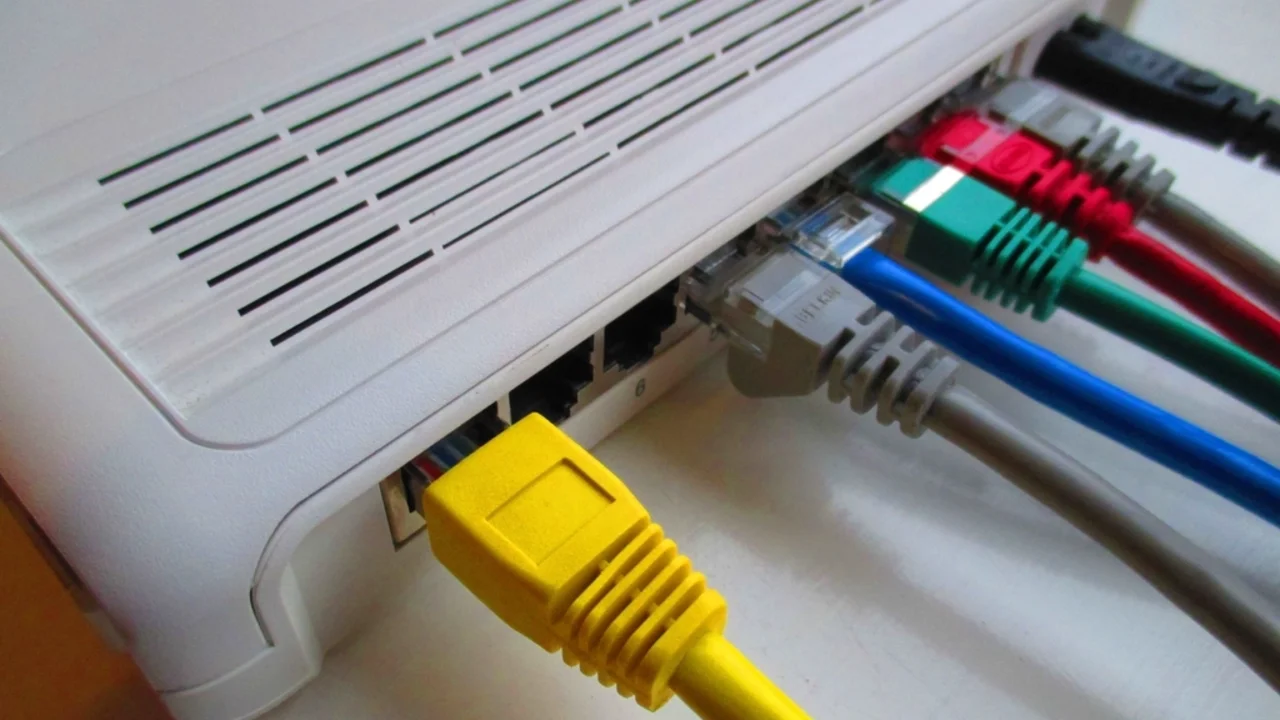
The single biggest fix for confusing speed test results is also the most boring: plug a laptop directly into the modem with an ethernet cable before you test anything. This strips Wi-Fi out of the equation entirely and tells you what you’re actually paying for versus what your home network is delivering.
If the wired result matches your plan’s advertised speed but the Wi-Fi result in the lounge room is half that, the problem isn’t your internet plan. It’s your router placement, a wall full of brick or an ageing modem that’s never been swapped out. That’s a very different fix, and usually a much cheaper one, than upgrading your plan. We’ve covered the router side of this in our guide to mesh Wi-Fi systems for Australian homes, which is worth a look before anyone spends more money on NBN speed tiers they’re not even reaching.
Which speed test tool actually matters
NBN Co runs its own tool through nbnco.com.au, and most retailers link to third-party testers from their support pages. Honestly, the specific tool matters less than people think, provided it’s testing against a server reasonably close to you. A test that routes through an overseas server will always look worse than your connection actually is, especially for anything on the lower end of NBN’s speed tiers.
What matters more is consistency: pick one tool, use it every time, and don’t jump between three different testers trying to find the best-looking number. We’d also suggest closing background apps and pausing any downloads first. A half-finished Windows update chewing bandwidth in the background is a classic cause of a disappointing result that has nothing to do with your actual plan.
Download, upload and the number nobody looks at
Most people only ever look at the download figure, which is fair enough since it’s the headline number on every plan. But upload speed and latency (sometimes shown as “ping”) matter more than people realise, and ignoring them is how households end up blaming the wrong thing.
Upload speed is what determines how well video calls hold up, how fast you can back up photos to the cloud, and whether a tradie emailing large quote documents from a job site has a smooth time of it or not. Plenty of entry-level NBN plans have upload speeds well below their download speeds, which is fine for general browsing but noticeably rough for anyone doing video calls for work.
Latency is the one that gets ignored completely, and it’s arguably the most honest indicator of whether a connection “feels” fast. It’s the delay between your device asking for something and getting a response, measured in milliseconds. Low latency is what makes a video call feel natural instead of laggy, and it’s the number competitive gamers obsess over for good reason. A connection with excellent download speed but high latency can still feel sluggish in everyday use, particularly for anyone on satellite internet in regional areas, where latency is the real trade-off rather than raw speed.
What to test for, by household
The “right” speed to test for depends enormously on who’s using the connection and what they’re using it for, which is something speed test results alone never tell you.
Families with a few people streaming, gaming and attending school via video at the same time need to test during that exact overlap, not at a quiet moment when nobody’s competing for bandwidth. If your test numbers look fine at 2pm but everything buffers at 7.30pm, that’s a peak-time congestion issue worth raising with your retailer directly, since different NBN access tiers handle peak load very differently.
Students relying on the connection for university coursework should care more about upload speed and latency than the headline download number, particularly if coursework involves submitting large files or joining timetabled video tutorials. We’ve written separately about choosing a laptop for university in Australia, and the same logic applies to the internet plan underneath it: match the plan to what you’re actually doing, not to the biggest number on the price list.
People working from home, and we hear from a lot of them, should test at the exact time their meetings usually run and treat the upload figure as seriously as the download one. Our guide on reliable mobile tools for work-from-home success goes into backup options if your fixed-line connection drops out mid-call, which is worth having sorted before it happens rather than during a client meeting.
When the results point to a genuine fault
So when is a bad result actually worth escalating? If wired speed tests, run consistently over several days at different times, sit noticeably and repeatedly below what your plan promises, that’s a legitimate pattern to bring to your retailer. Keep a simple log: date, time, wired or Wi-Fi, download, upload, latency. It takes two minutes and gives support staff something concrete to work with instead of a single screenshot.
Under the ACCC’s broadband speed guidance, retailers are expected to give customers realistic speed expectations at the point of sale and to investigate persistent underperformance, not wave it away. If a retailer won’t engage with a documented pattern of results, that’s a fair reason to escalate through the Telecommunications Industry Ombudsman. It’s also worth checking whether the issue is actually inside your house. A modem that’s five or six years old, still running firmware from whenever it was installed, can quietly cap performance well below what the NBN connection itself is capable of delivering.
Satellite and 5G home internet play by different rules
If you’re on 5G home internet or a satellite service, apply all of the above with a grain of salt, because the normal rules bend a bit. 5G home broadband speeds can shift noticeably depending on how many other people in the area are on the same tower at the same time, so a test result that looked great last month might sag during a local footy match or a heatwave when everyone’s indoors streaming. We’ve compared the trade-offs in our piece on 5G home internet versus NBN, and testing at different times of day matters even more on 5G than it does on a fixed NBN line.
Satellite connections, including the ones increasingly used in regional and outback areas, will almost always show higher latency than fixed services no matter how good the download number looks, simply because of the physical distance the signal has to travel. That’s expected, not a fault. Anyone relying on satellite for remote work or safety should also look at what we’ve covered on satellite messaging on phones in the outback, since messaging and full home broadband satellite are genuinely different services with different expectations.
Our verdict: test like you mean it, not like a formality
Our actual advice is simple and a bit unglamorous: test wired, test more than once, test at the time of day the problem actually happens, and write the numbers down. A single result from a phone sitting three rooms from the router tells you almost nothing useful, no matter how official the app running it looks.
We reckon most Australians would save themselves a frustrating call to their telco’s support line if they did this properly the first time. It’s not complicated. It just takes slightly more than thirty seconds and a willingness to actually look at upload and latency instead of fixating on the one big download number on the plan brochure.
The connection itself rarely needs replacing. Usually it’s the test, not the internet, that was never set up to tell you the truth.
— Priya Raman, Reviews Editor, Tech Geek
Featured image: AI-generated illustration.