Most calls to a telco’s support line about a slow NBN connection end the same way: a reboot, a vague apology, and nothing actually fixed. We’ve sat through enough of these to know why your NBN is slow is rarely a single answer. It’s usually two or three small things stacking up, and most of them have nothing to do with NBN Co’s network at all.
Here’s the uncomfortable bit for anyone who’s spent forty minutes on hold with their provider this week: the thing you’re paying for and the thing landing on your laptop are often different numbers for reasons that have nothing to do with your plan. Working out which one is actually the problem takes about fifteen minutes and a browser tab.
Why your NBN is slow: start with what you’re actually paying for
Retail NBN plans in Australia are sold in speed tiers, not by technology type. The common ones are Basic (around 12 Mbps), Standard (around 25 Mbps), Standard Plus (around 50 Mbps), Premium (around 100 Mbps) and the higher-speed tiers above that on fibre and HFC connections. The first thing worth checking, genuinely, is which tier you’re on. We still come across households paying for a mid-tier plan who assumed they had the top one because the retailer’s sales page was vague about it at sign-up.
Log into your provider’s account portal and confirm the plan name and the “typical evening speed” figure, which retailers are required to publish under the ACCC’s broadband speed claims guidance. If that figure already sits well below what you want, no amount of troubleshooting at home will fix it. You need a plan change, not a diagnosis.
Test wired before you blame WiFi
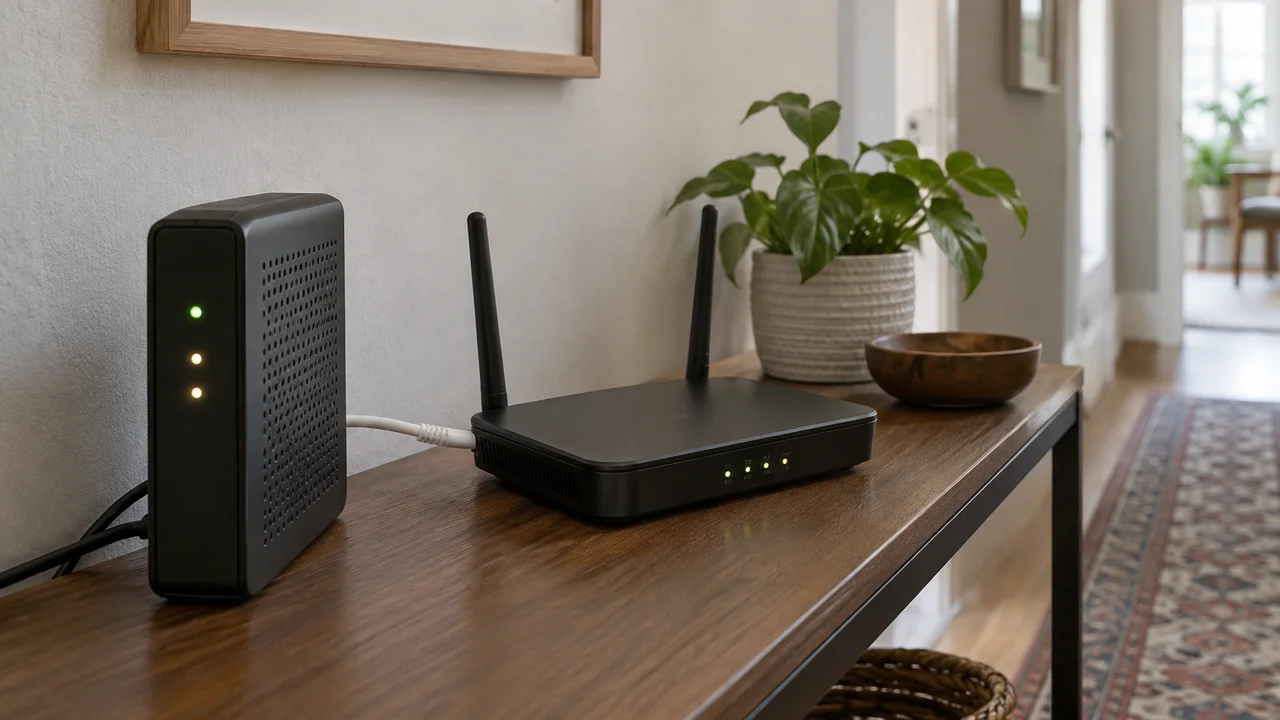
This is the step almost everyone skips, and it’s the one that actually separates an NBN problem from a home network problem. Plug a laptop directly into the NBN modem with an ethernet cable and run a speed test. If that number lines up with your plan’s typical evening speed, your connection is fine and your WiFi is the bottleneck. If it’s well short even on a wired connection, the problem sits upstream, either with the NBN line itself or your retailer.
We’d argue this single test resolves more “my internet is slow” complaints than anything else in this article, and almost nobody does it because it means finding a cable and a laptop with an ethernet port, which a lot of newer laptops don’t even have anymore. Keep a USB-C to ethernet adapter in the drawer with the chargers. It’s a $15 to $25 item and it will save you an argument with a call centre.
The WiFi problem nobody budgets for
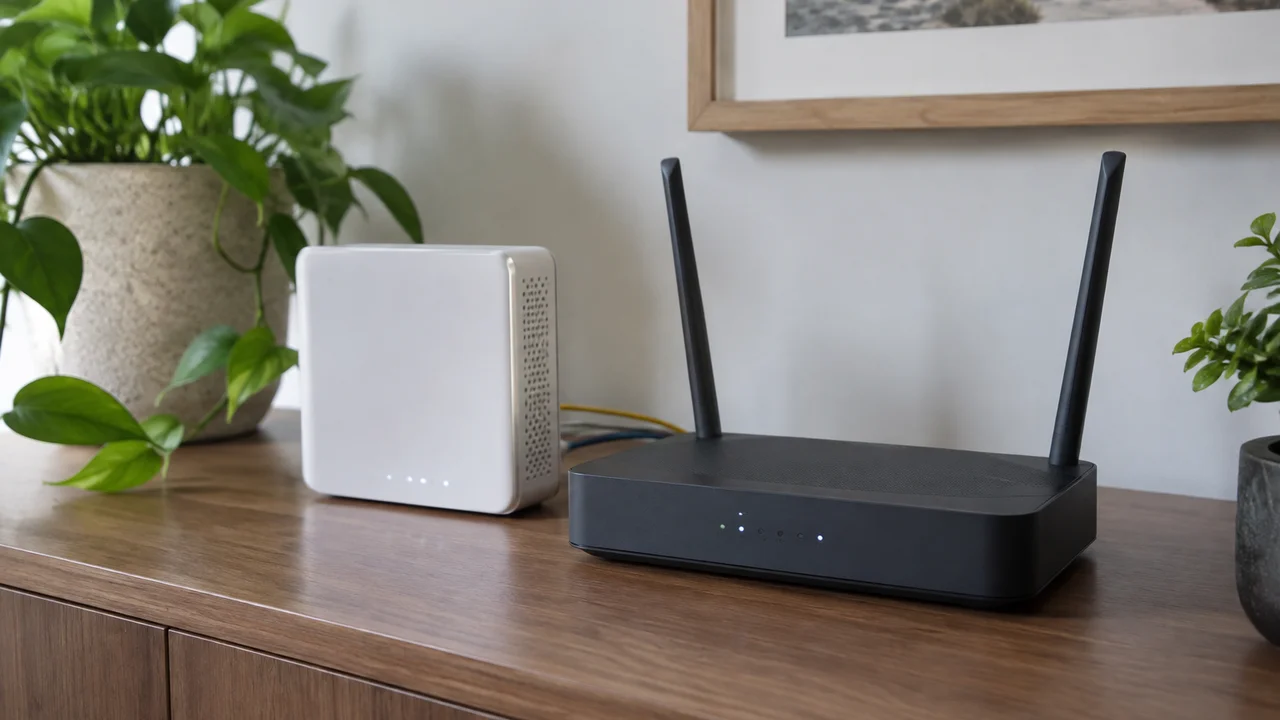
If the wired test comes back strong but WiFi on your phone or laptop is sluggish, the fault is almost always one of three things: the router NBN Co or your retailer gave you is old and underpowered, it’s sitting in a cupboard with a brick wall between it and the lounge room, or you’ve got too many devices competing on the 2.4GHz band because that’s the default your smart plugs and doorbell camera connect to.
Older routers, especially ones bundled free with a plan three or four years ago, often don’t support WiFi 6 and struggle once a household has fifteen-plus connected devices, which is common now with smart TVs, game consoles, security cameras and every family member’s phone and laptop. We’ve written separately about what newer WiFi 7 home network gear actually changes day to day, and the honest take is that most households don’t need WiFi 7 yet, but a lot of them would benefit from retiring a router that’s five years old.
For bigger or oddly shaped houses, a mesh WiFi system fixes the dead-zone problem more reliably than moving the router around ever will. We’re less convinced by the marketing that every household needs one. If you live in a standard three-bedroom place and the router sits centrally, a single decent router usually does the job.
Peak hour congestion is real, but it’s overblown
Retailers publish “typical busy period” speeds for a reason: congestion between about 7pm and 11pm is genuinely measurable, both on the NBN’s own network interconnect points and on a retailer’s own backhaul if they haven’t bought enough capacity. If your speed test results are consistently fine at 2pm and consistently poor at 8pm, that’s a congestion signature, and it points at your retailer rather than your home setup.
Here’s our mildly unpopular opinion on this one: we think too many households jump to blaming peak-hour congestion when the real cause is far more boring, usually a kid’s console downloading a 90GB game update in the background, or a laptop doing a Windows update at the exact moment someone’s trying to video call. Check what else is active on the network before you assume it’s the provider rationing bandwidth. Task manager or your router’s device list will usually show you the culprit within a minute.
Line faults and the technology you’re actually on
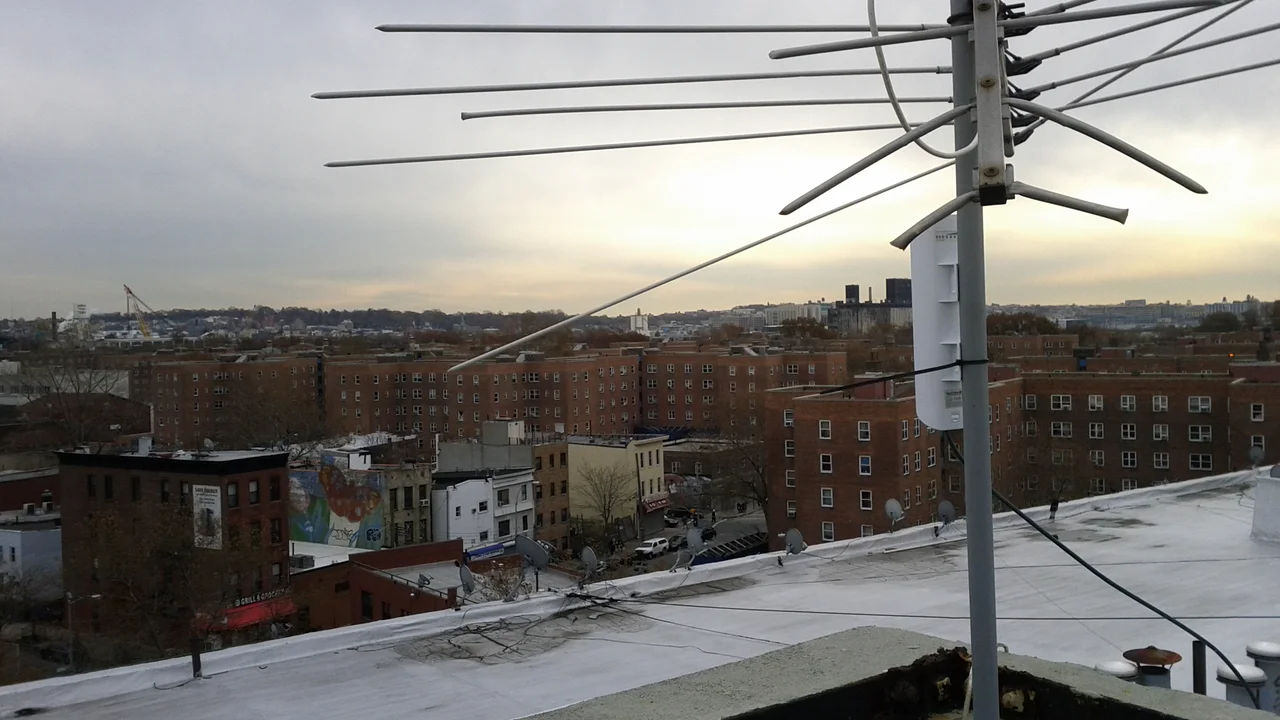
NBN connections run over a handful of different technologies, Fibre to the Premises, Fibre to the Curb, Fibre to the Node, HFC (cable) and Fixed Wireless among them, and the one running past your street has a real effect on both the ceiling of your speed and how likely you are to hit faults. Fibre to the Node connections, which rely on the old copper line for the last stretch into the house, are more exposed to degradation from line length, ageing copper and weather. If you’re on FTTN and your speeds drop noticeably after rain, that’s not a coincidence.
NBN Co has progressively moved a growing number of FTTN premises onto full fibre as part of its area-by-area upgrade schedule, sometimes at no cost to the household. It’s worth checking your address periodically through your retailer, because an upgrade might already be available in your street and nobody will necessarily chase you up about it.
If you suspect a line fault rather than congestion or WiFi, the giveaway is usually a speed test that’s poor no matter the time of day, paired with a wired connection that’s still underperforming its plan. That combination means it’s time to log a fault with your retailer, who in turn lodges it with NBN Co, since NBN Co doesn’t deal directly with residential customers.
What different households should actually do
A student share house streaming and gaming across six devices has a different problem to a retired couple in a two-bedroom unit who just want video calls with grandkids to stop freezing. For share houses and families with teenagers, the fix is almost always router placement and band separation, keeping smart home gadgets on their own network where the router supports it, rather than a faster plan.
For people working from home, especially on video calls, upload speed matters more than the headline download number most plans advertise, and it’s worth checking your plan’s upload figure specifically rather than assuming it scales with download. We’ve covered the broader kit question in our guide to reliable tools for work-from-home setups, and a wired connection for a home office desk is still the single best upgrade most people can make for under $30.
Tradies and anyone running a business on a mobile connection as a backup should also know that eSIM options in Australia make it straightforward to carry a second data service as a fallback without juggling a physical SIM, which is handy if your NBN connection drops out mid-invoice.
Running your own diagnosis before you call anyone
The order we’d actually run through it: check your plan tier against the typical evening speed figure, test wired, test WiFi separately, check what else is hammering the connection, then look at time-of-day patterns over two or three days before concluding it’s congestion or a line fault. The ACMA’s broadband information pages are a reasonable starting point if you want to understand your rights as a customer before you escalate a complaint.
If none of that explains the gap, the fault almost certainly sits with the retailer’s own network capacity or a line issue that needs a technician. At that point, ringing support with wired test results already in hand changes the conversation entirely, because you’ve ruled out the home-network excuses most call centres reach for first.
Why upgrading your plan is often the wrong fix
Our honestly contrarian take here: we think a lot of Australian households upgrading from a 50Mbps to a 100Mbps or faster plan this year are solving the wrong problem and paying an extra few hundred dollars a year for it. If your wired speed test already matches your current tier and the household’s actual pain point is WiFi coverage in the back bedroom or a router from 2019, a faster plan does nothing. Fix the local network first. If the wired number is genuinely short of your plan after testing properly, then yes, it’s time to talk to your retailer, or in some cases, finally consider whether a fibre upgrade has become available on your street.
Chasing a bigger number on the box rarely beats fixing the basics. We’d rather see households spend $60 on a better router placement, a mesh node or an ethernet adapter than another $15 a month for a speed tier they’re not actually reaching.
— Priya Raman, Reviews Editor, Tech Geek