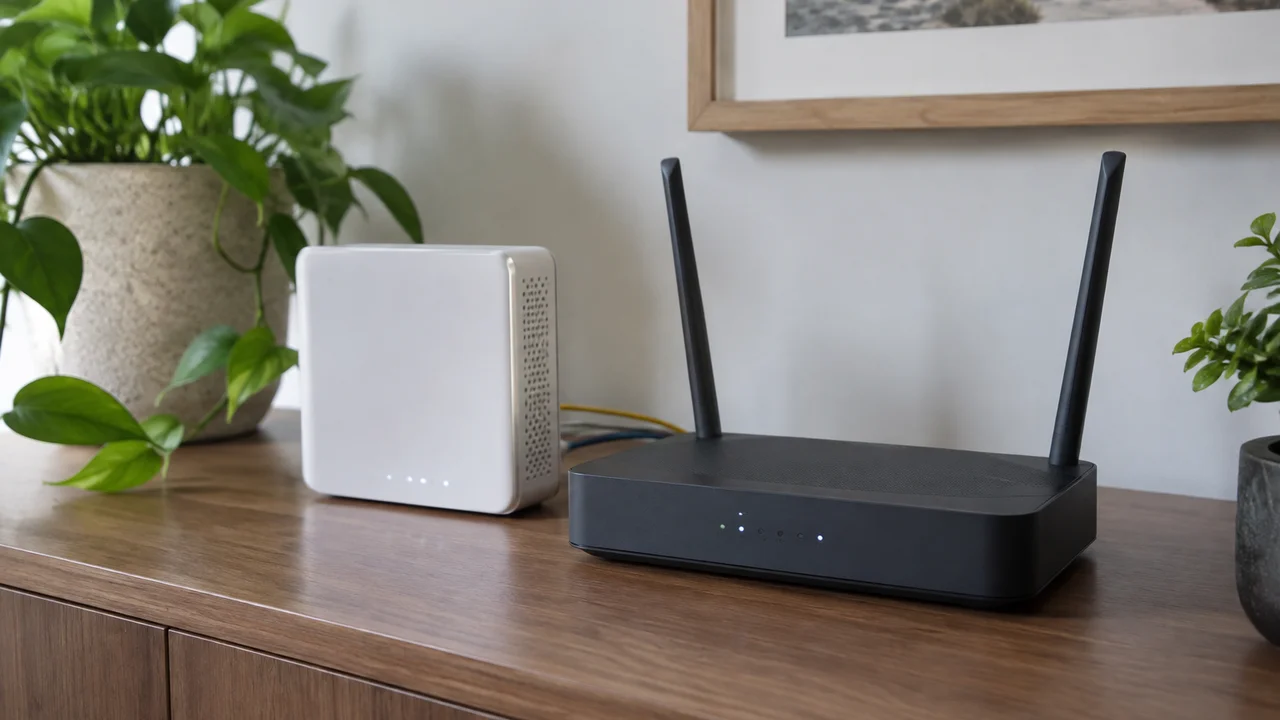
Every November, the same ads turn up in our feeds: a palm-sized box promising “unlimited internet anywhere” for a flat fee, timed perfectly for the summer getaway rush. We’ve tested a fair few of these over the years, from cheap pocket hotspots to proper dual-SIM travel routers, and our honest take on mobile hotspots and travel routers is that most Australians already own a better one. It’s called a phone.
That’s not us being contrarian for the sake of it. It’s the actual starting point for anyone asking whether they need to spend money on dedicated hardware before a trip, a tradie job site, or a share house with dodgy NBN. There are genuine cases where a separate device earns its keep. There are a lot more where it’s a solution looking for a problem.
What these devices actually are
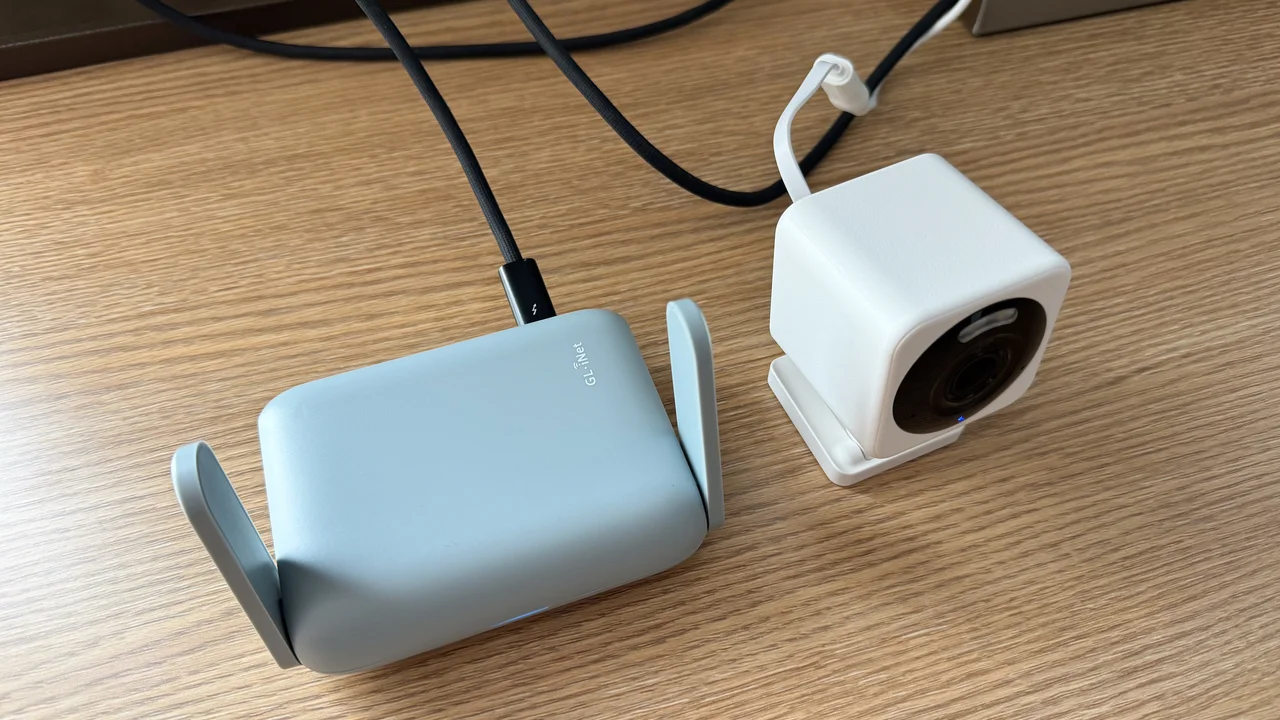
A mobile hotspot is a small battery-powered box with a SIM card slot that turns mobile data into Wi-Fi, so several devices can share one connection without burning through everyone’s individual phone plans. A travel router is a step up: it does the hotspot job but also lets you plug in an ethernet cable from a hotel or Airbnb, create your own password-protected network on top of dodgy shared Wi-Fi, and sometimes take two SIMs so you can fail over from one carrier to another if coverage drops out.
Both categories overlap heavily with what your phone already does. Every Android phone and iPhone sold in Australia in the last decade has a personal hotspot function buried in settings, turning its own mobile data into a Wi-Fi network for laptops, tablets or a travel companion’s phone. The difference is battery drain, how many devices it can comfortably serve, and whether your telco plan actually allows hotspotting without extra charges.
When your phone is genuinely enough
For a solo traveller, a student between share houses, or someone popping their laptop open at a café because the home connection is being installed, the phone’s built-in hotspot is fine. Most mid-range and flagship phones sold today handle five or six connected devices without breaking a sweat, and current Australian plans from the major telcos generally include hotspot data as part of the normal allowance rather than as a separate fee, though it pays to check the plan’s fine print before you lean on it hard.
The rough edge people don’t expect is battery. Running a hotspot off your phone for a full day of video calls on a work trip will chew through the battery noticeably faster than normal use, and if you’re also trying to use the phone itself at the same time, you’ll feel it by mid-afternoon. That’s the actual trade-off, not the headline data allowance.
Where a dedicated device earns its spot
We’d actually buy one of these for a few specific situations, and we’re happy to say so plainly.
- Families or small groups travelling together, where one SIM and one small box serving four or five phones and a tablet works out cheaper than everyone buying their own international roaming add-on.
- Tradies and small business owners who need a reliable backup internet connection at a site office or pop-up location, where a dual-SIM travel router can jump to a second carrier automatically if one network drops out mid-job.
- Anyone staying somewhere with genuinely terrible or metered Wi-Fi, like some regional motels and caravan parks, where plugging in your own connection beats fighting a shared network with forty other guests on it.
The dual-SIM failover feature in particular is underrated. We’ve seen it matter in regional New South Wales and parts of Tasmania where one carrier has a tower nearby and another doesn’t, and switching between them manually on a phone is fiddly compared to a router that just picks whichever signal is stronger.
The SIM card question nobody explains properly
This is where most of the buying guides go quiet, because the hardware is the easy bit and the actual mobile data is the part that costs money every month or every trip. You’ve got three broad options: a local prepaid SIM bought once you land (best value, worst convenience if you need data the moment you arrive), an eSIM bought in advance through a travel data provider (handled entirely on your phone screen before you leave Australia), or a global roaming pack added to your existing Australian number through Telstra, Optus or TPG.
For short trips, we lean towards an eSIM bought ahead of time, loaded onto the phone and ready to activate the moment the plane lands. It skips the “hunting for a SIM card kiosk at an unfamiliar airport” problem entirely, and most current phones support storing several eSIM profiles at once. For longer stays, a local prepaid SIM bought once you’re there is almost always cheaper per gigabyte, it’s just less convenient on day one.
Whatever device you’re feeding, Australia’s 3G shutdown is worth remembering here. Telstra and Optus switched off their 3G networks in late 2024, and Vodafone (now TPG) did the same back in December 2023, so an older hotspot device still advertising 3G fallback is effectively just a 4G or 5G device now, nothing more. If you’re buying second-hand hardware for this purpose, check it’s genuinely 4G or 5G capable rather than relying on old packaging claims.
Repairability and software support, the bit nobody asks about
Here’s our actual gripe with most dedicated hotspot hardware: it gets treated as disposable. A $150 pocket hotspot from a budget brand often gets one or two firmware updates and then nothing, no security patches, no bug fixes, while the battery inside is glued or soldered in rather than designed to be swapped. Compare that to a phone, which under Australian retailer obligations and manufacturer commitments typically gets several years of security updates, and the case for buying a separate device purely to save your phone’s battery starts to look thinner.
If you do go down the travel router path, look specifically at the ones from established networking brands that publish a firmware update history you can actually check, rather than generic white-label hotspots sold under a dozen different names on marketplace sites. The ACCC’s consumer guarantee guidance covers faulty goods regardless of brand, but a device that stops receiving updates within a year is a problem the consumer guarantee won’t fully solve for you. It’s also worth remembering the NBN itself is run by NBN Co and sold through retailers such as Telstra, Optus, TPG and Aussie Broadband, and you can check NBN Co’s own network status and rollout information at nbnco.com.au if you’re weighing up a mobile option against a fixed connection.
Connectivity at home, not just on the road
Mobile hotspots also get bought for a job they’re genuinely bad at: filling in for home broadband permanently. We get emails from readers in outer-suburban and regional areas asking whether a 5G hotspot can replace the NBN while they wait for a technician, and the honest answer is it can tide you over for a few weeks but it’s not built for it long-term. Data caps bite fast once a household is streaming, video-calling and gaming off the same connection, and mobile networks prioritise phone traffic over fixed wireless style use in ways that show up as slower speeds at peak evening hours.
If your actual problem is patchy signal around the house rather than no connection at all, that’s a different fix entirely, and we’ve written separately about sorting out Wi-Fi dead zones without a new system before you spend money on anything extra. Similarly, if you’re not sure your home connection is actually underperforming or you’re just assuming it is, it’s worth learning how to test your internet speed properly before blaming the NBN for a problem that might be your router’s fault.
What we actually reckon you should buy
Our mildly unpopular opinion: for the vast majority of Australian travellers, a dedicated travel router is overkill and a waste of a drawer. Phones have gotten good enough at hotspotting, eSIMs have gotten easy enough to set up, and the number of scenarios where you genuinely need a separate box with its own battery and its own SIM slot is smaller than the marketing suggests. Save the money, buy a decent power bank instead, and put the rest towards a better data plan for the trip itself.
The exception, and it’s a real one, is the family-group traveller and the tradie needing failover reliability. In both cases the device is solving an actual problem rather than just duplicating what’s already in your pocket. If that’s you, prioritise a model with a visible update history, swap-out battery design where possible, and dual-SIM support over one with a flashier spec sheet claiming theoretical top speeds you’ll rarely see in practice.
One more practical note before you buy anything off a classifieds listing or an overseas marketplace: check it’s compatible with Australian 5G bands, because plenty of hotspots sold for the US or European market quietly don’t work properly here. If you’re building out a broader connectivity setup at home around a new hotspot or router purchase, it’s also worth a skim of what matters in whether you actually need a VPN, since public and shared Wi-Fi habits often change once people start carrying their own portable network.
We’ll keep testing these every year because the market keeps changing, new eSIM providers keep popping up, and Australia’s mobile coverage keeps shifting at the edges. For now, though, our advice is boring and a bit contrarian at once: check what your phone already does before you buy a box to do it for you.
— *Priya Raman, Reviews Editor, Tech Geek*
Featured image: AI-generated illustration.