Roughly one in three Australian internet users runs some form of ad blocker, according to figures publishers and ad-tech vendors have cited for years, and whichever way you cut that number it’s a lot of browsers deciding, by default, that the open web’s main business model doesn’t get to run on their machine. We’ve used ad blockers since the Adblock Plus days of the early 2010s, back when the whole category was a scrappy workaround rather than a line item advertisers had to plan around. The tools have changed. The argument for using them, oddly, hasn’t moved much at all.
This piece is the explainer we keep meaning to write properly: what an ad blocker actually does, how that’s different from a tracker blocker, what you lose by running one, and the mildly uncomfortable position we’ve landed on after years of testing these things on our own machines.
What an ad blocker actually does
An ad blocker works off a filter list, essentially a big, regularly updated catalogue of the web addresses and code patterns that ad networks use to serve banners, video pre-rolls and sponsored content. When your browser tries to load a page, the extension checks each request against that list and quietly refuses the ones that match. No banner loads, no video ad buffers before your YouTube clip, no sidebar full of flashing weight-loss nonsense.
The popular lists, EasyList being the best known, are maintained by volunteers and updated constantly because ad networks keep changing their methods to dodge detection. It’s a genuine arms race, and it has been since roughly 2005. Nothing new there, we’re just further into it.
Browser-level blocking has also crept into the mainstream in ways people don’t always clock. Apple’s Safari has shipped content-blocking APIs for years, and several Android browsers now bundle basic ad filtering out of the box. You don’t necessarily need an extension any more to get the blunt version of this.
Our take: an ad blocker is a visibility filter. It stops things rendering. It was never really built to stop you being watched.
Tracker blockers are doing a different job
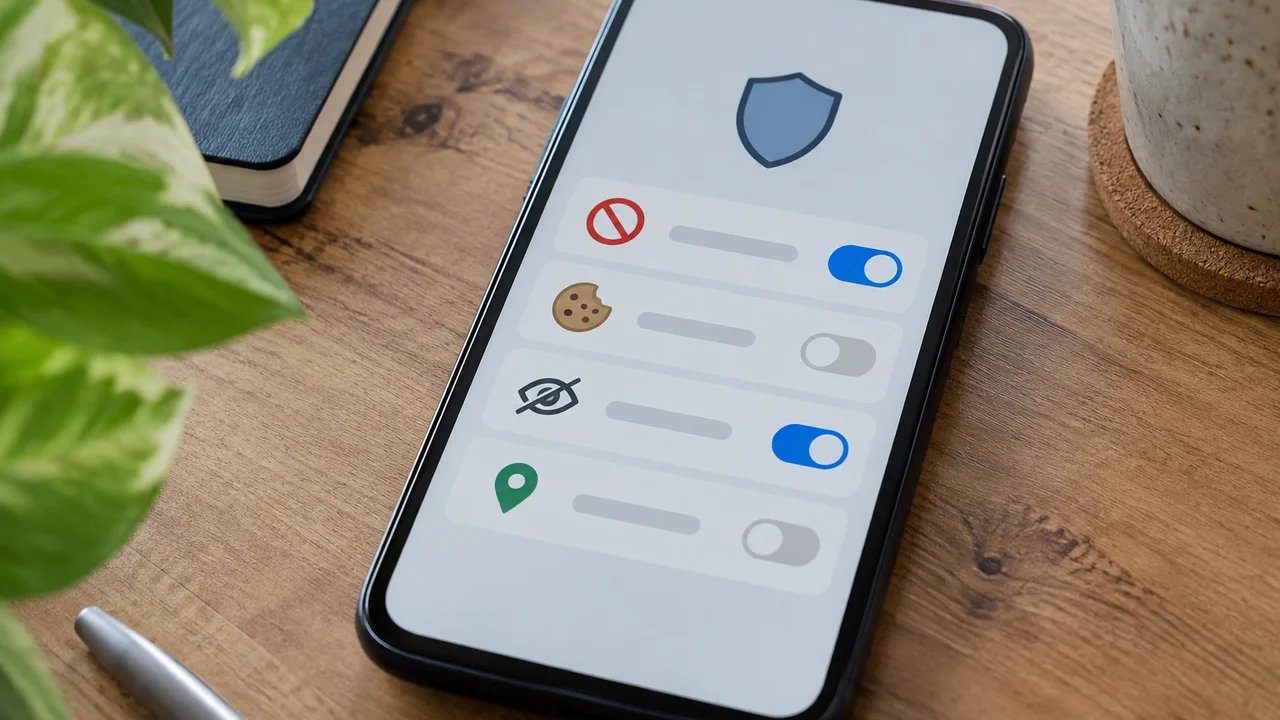
This is the bit that trips most people up, because the tools often live in the same extension and get marketed as a single feature. A tracker blocker doesn’t care whether an ad renders. It cares about the invisible requests that websites fire off in the background to log who you are, what you looked at, how long you stayed, and which other sites you’ve visited recently. Pixel tags, fingerprinting scripts, third-party cookies dropped by analytics and ad-measurement firms, all of that sits under the tracker-blocking umbrella rather than the ad-blocking one.
You can block trackers and still see ads. Plenty of privacy-focused browsers do exactly that, because the business argument is that publishers can keep selling placements, they just can’t keep building a cross-site profile of you while doing it. Firefox’s built-in Enhanced Tracking Protection is a mainstream example of this distinction playing out by default, blocking known trackers without necessarily nuking every ad on the page.
We’d argue this is the more important of the two tools for most ordinary readers, and it’s the one that gets the least attention. Nobody complains about trackers at the dinner table the way they complain about pop-ups. They should.
Why the distinction actually matters to you
If your goal is a quieter, faster-loading page, an ad blocker gets you there. If your goal is limiting how much of your browsing history ends up compiled into a profile that gets sold, resold and used to target you across devices, you want the tracker blocker doing the heavy lifting. Most people installing “an ad blocker” assume they’re getting both. Increasingly they are, because modern extensions bundle the two, but it pays to know which switch you’re actually flipping when you toggle a setting.
Short version: one hides the mess, the other closes the curtains.
The privacy case, in an Australian context
Australia doesn’t have a dedicated law that regulates online tracking the way the EU’s cookie rules do. We rely on the Privacy Act, which the Office of the Australian Information Commissioner enforces, and that framework covers how organisations handle personal information generally rather than prescribing exactly how ad-tech cookies should behave. There’s no mandatory cookie banner requirement here in the way British or European users are used to clicking through.
That gap is part of why tracker blocking matters more in Australia than the conversation usually suggests, not less. If the regulatory backstop is lighter, the technical backstop you install yourself is doing more of the actual work.
The OAIC’s Notifiable Data Breaches scheme gives you a sense of scale here too: every year it reports hundreds of breach notifications across sectors, and plenty of them involve marketing databases that exist specifically because advertising and analytics firms built profiles on people who never consciously agreed to being tracked across a dozen unrelated sites. Reducing the amount of data floating around in those systems in the first place is a reasonable, boring, unglamorous form of self-defence.
Fair dinkum, nobody enjoys reading privacy policies, and nobody is going to start. A tracker blocker is the version of consent you can actually be bothered giving.
What blocking costs the sites you read
Here’s where we’ll be straight with you, because we run a site funded substantially by advertising, same as most of the Australian outlets you read every day. When a meaningful share of visitors block ads, publishers lose direct revenue on every one of those page views. Smaller, independent Australian sites feel this more sharply than the big mastheads, because they don’t have the same scale to sell programmatic inventory at volume, and they’re less likely to have a reader-membership model propping things up.
We’ve watched local tech and lifestyle sites fold or get absorbed into bigger networks over the past decade, and advertising economics is one of several reasons, alongside the Google and Meta duopoly’s grip on where ad dollars actually land. The ACCC’s digital platforms work has tracked this concentration for years, and it’s worth reading if you want the numbers rather than our grumbling about it.
None of that is a reason for you to feel guilty, exactly. It’s context. Where your ad blocker points matters more than whether you run one at all.
Here’s where we land, and it’s not neutral
Our actual position, and we’ll own this one: run a tracker blocker everywhere, all the time, no exceptions. Run an ad blocker selectively, and whitelist the small Australian sites you actually want to exist in five years.
That’s a harder discipline than installing one extension and forgetting about it, but it’s not much harder. Most ad-blocking extensions let you add a site to an allow list in two clicks. We do it for the handful of independent outlets, including ours, that we think are worth the handful of cents a loaded banner generates.
The hypocrisy critics usually level at this position is fair: if everyone blocks ads on small sites and whitelists nothing, those sites die, so arguably nobody should block ads on anything they value. We think that’s too tidy. Most people won’t manage an allow list, so a blanket “never block ads” stance just means more intrusive, more invasive ad formats win, because that’s what the market rewards when blocking isn’t a credible threat. A world where readers block aggressively by default, and publishers have to earn a spot back onto the allow list by not being obnoxious, is a better incentive structure than the one we’ve got.
It’s not a clean argument. We don’t think there is one.
Setting it up without breaking half the internet
A few practical notes, because the most common complaint about ad blockers isn’t philosophical, it’s that online banking portals or retailer checkout pages stop working properly.
- Most blockers have an easy “pause on this site” toggle for exactly this reason, usually one click in the extension’s toolbar icon.
- If a site breaks entirely, add it to your allow list rather than disabling the extension altogether; you’ll forget to turn it back on.
- Browser-native tracker protection, Firefox’s Enhanced Tracking Protection being the clearest example, tends to break fewer sites than aggressive third-party extensions, because it’s tuned conservatively by default.
If you’re trying to work out what’s actually been collected about you before you start blocking anything, our guide on how to download your data from social media is a reasonable first step; it’s a genuinely uncomfortable read for most people the first time.
And if ad blocking is one piece of a bigger privacy clean-up, it’s worth pairing with the basics: checking how to tell if your phone has been hacked, and locking down accounts with two-factor authentication using apps or security keys rather than SMS. Tracking and account security are different problems, but they share the same instinct: don’t leave the defaults switched off.
Smart TVs, phones and the tracking you can’t easily block
Browser extensions only cover, well, the browser. The bit people consistently underestimate is how much tracking now happens off the browser entirely: smart TV operating systems doing automatic content recognition on everything you watch, phone apps sharing advertising identifiers with third parties, smart speakers and doorbells logging more than most owners realise. We’ve written before about how much a video doorbell quietly reports back to its manufacturer, and the same logic extends to most connected devices in an Australian lounge room.
An ad blocker does nothing for any of that. It’s a browser tool solving a browser problem, and increasingly the browser is the smaller part of the problem.
If that side of things interests you, our pieces on smart home device privacy in Australia and video doorbell privacy in Australia go into the detail we don’t have room for here. The short version echoes the browser story almost exactly: the default settings are built to favour data collection, and nobody’s coming to switch that off for you.
Our verdict: block the trackers, be choosy about the ads
An ad blocker and a tracker blocker solve different problems wearing the same jacket. One makes your browsing faster and quieter. The other limits how thoroughly you get profiled while you do it. Most Australians installing “an ad blocker” are really after both, and modern extensions mostly deliver both whether you asked for the distinction or not.
Our call, for what it’s worth after years of running these tools daily: block trackers without exception, and treat ad blocking as a dial rather than a switch, one you occasionally turn down for the Australian outlets whose survival you’d actually miss.
It won’t fix the advertising industry’s incentives. It’s just a slightly less lazy way of living inside them.
— Dale Whitfield, Founding Editor, Tech Geek