Ask most Australians kitting out a home office which machine they’re buying and nine times out of ten the answer is a laptop, usually before they’ve even compared prices. That’s the default, and for plenty of people it’s the right one. But we’ve spent a fair bit of time testing both setups for this desk, and our honest take is that the desktop vs laptop for working from home question gets decided too quickly, in favour of the wrong machine, for a lot of households.
Here’s the mildly contrarian bit we’re happy to argue for: if you work from a fixed spot at home most days, a desktop will usually get you more machine for less money, it’ll last longer before it feels sluggish, and it’s easier to fix when something goes wrong. The laptop’s big selling point, portability, is wasted on someone who carries their computer from the kitchen table to the lounge twice a week.
The money question nobody wants to ask first
Price is where this gets interesting, because a lot of people assume laptops are cheaper. They’re not, once you match specifications. A desktop tower with a given processor and amount of RAM is reliably less expensive than a laptop with the same internals, because a laptop manufacturer has to cram that performance into a battery-powered chassis with a screen, a keyboard and cooling that has to fit inside a few centimetres. You’re paying for miniaturisation, not just computing power.
At the time of writing, a competent desktop for spreadsheet work, video calls and general office tasks sits somewhere around $900 to $1,200 including a monitor, keyboard and mouse. A laptop that performs similarly, new, tends to land closer to $1,300 to $1,800, and that’s before you add an external monitor if you want a second screen, which most home workers end up wanting within a month anyway.
If your employer is covering the cost under a work-from-home allowance, this matters less. If you’re buying it yourself, it matters a lot, and we think it’s the single biggest reason more Australians should at least price up a desktop before defaulting to a laptop.
Performance, cooling and why your laptop fan never stops
We’ve tested plenty of laptops that throttle, meaning the processor deliberately slows itself down once it gets hot, to avoid damage. It happens because laptop cooling is physically constrained. A desktop tower has room for bigger fans, more airflow and sometimes liquid cooling, so the same processor can run faster for longer without cooking itself.
For office work this rarely matters. Word documents and Zoom calls don’t tax a modern chip. But if your job involves exporting large video files, running data models, or anything genuinely demanding, a desktop will chew through it noticeably faster, and stay quieter doing it. We’d compare it to the difference between sprinting in runners versus thongs. Technically both get you there. One is a lot more comfortable at pace.
This is also where the ARM-based Windows laptops some readers are curious about come into the picture. They run cool and get excellent battery life, but compatibility with older software is still patchy, which we’ve covered in detail in our piece on which apps actually work on ARM laptops. Worth a read before you commit either way.
The ergonomics argument laptops always lose
A laptop screen sits too low and the keyboard sits too close, which is a recipe for sore necks and aching wrists if you’re at it for eight hours a day. We know plenty of people who’ve learned this the hard way, hunched over a 14-inch screen on the kitchen table for months before finally buying a stand and an external keyboard, at which point they’ve basically built a desktop setup anyway, just with a worse screen underneath it.
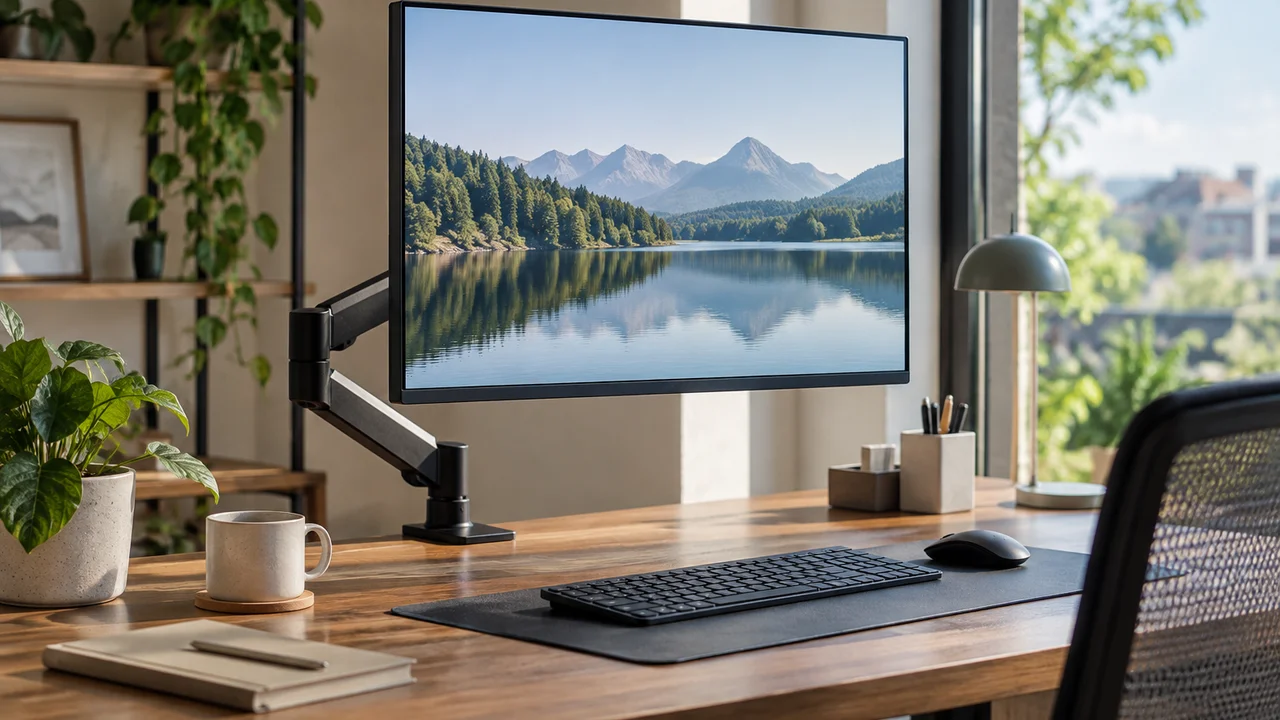
A desktop forces you into a proper setup from day one: separate monitor at eye height, keyboard and mouse at a comfortable distance. Safe Work Australia’s guidance on computer workstation setup backs this up, and it’s one of the more practical documents a remote worker can skim before buying anything. If you’re working from home five days a week, this isn’t a nice-to-have, it’s the difference between a comfortable year and a physio bill.
When the laptop genuinely wins
We’re not here to pretend desktops are right for everyone, because they’re not. If you split your week between the office and home, or you’re a student bouncing between the library and your bedroom, portability stops being a luxury and becomes the entire point. A laptop that goes where you go beats a brilliant desktop that stays put.
Laptops also win on total footprint if you live somewhere small. A desktop needs a permanent spot for a tower, a monitor and cabling, and not every share house or apartment has room for that to live undisturbed. And if the kids need the computer for homework in the evening, a laptop can migrate to wherever it’s needed without anyone losing their workspace.
Battery life matters here too, and we’d treat marketing claims with a healthy dose of scepticism. The headline number on the box is almost never what you’ll get doing real work with the screen bright and a dozen browser tabs open. Budget for meaningfully less than advertised and you won’t be disappointed.
Repairs, upgrades and how long either one actually lasts
This is where the desktop pulls ahead again, and it’s underrated. If a desktop’s RAM is tight or the storage fills up, you can usually open the case and fix it yourself for a modest outlay, often under $200 for a meaningful RAM or storage upgrade. Try that on most laptops sold in the last five years and you’ll find components soldered to the board, upgrade paths that don’t exist, and a repair bill that makes buying new look sensible.
We’d also point out that a desktop tower with decent components can realistically serve a home office for six or seven years with a mid-life upgrade or two, whereas laptops tend to feel their age sooner, partly because battery health degrades regardless of how carefully you use it. If you’re the sort of person who likes to stretch a purchase as far as it’ll go, the desktop is the better long game. Readers thinking about squeezing more life out of ageing hardware generally might also find our guide on which upgrades actually move the needle on an older PC useful, even if gaming isn’t the goal; the logic about where to spend money carries across to office machines too.
The Windows 11 question you can’t avoid
Whichever you buy, check it’s running Windows 11 and will keep getting security updates, because Microsoft ended free support for Windows 10 in October 2025. There’s now an Extended Security Updates programme for consumers that Microsoft has confirmed runs through to October 2027, but that’s a stopgap, not a long-term plan, and it’s detailed on Microsoft’s own Windows end-of-support page. If you’re buying new hardware in 2026, this shouldn’t come up at all, but it’s worth confirming before you hand over money for anything secondhand or clearance-priced.
Setting up a new machine properly is worth ten minutes before you start work on it. We’ve got a rundown of the settings worth changing on day one in our piece on which Windows 11 settings are worth changing, and it applies equally whether you’ve gone desktop or laptop.
Data, backups and the boring stuff that actually matters
One thing we don’t see discussed enough: a desktop sitting permanently at home is, in some ways, a safer place for your work files than a laptop that travels on trains, sits in cafes and occasionally gets left in the back of an Uber. The OAIC’s Notifiable Data Breaches scheme exists partly because lost and stolen devices are a genuine, ongoing cause of data exposure, not a rare freak event.
That’s not a reason to avoid laptops, since full-disk encryption largely solves the problem, but it is a reason to turn it on, set a proper password or passkey, and not assume portability comes for free. If you’re curious about moving away from passwords entirely, we’ve gone through how that works in our practical guide to passkeys for Australians.
Our verdict: it comes down to whether you actually move
Honestly, the decision is simpler than the marketing makes it sound. If you work from one spot, most days, and portability is a nice-to-have rather than a requirement, buy the desktop. You’ll get a faster machine for less money, a setup that’s kinder on your body, and something you can fix yourself when it inevitably needs a tweak in year three.
If your week genuinely involves moving between locations, or your living situation doesn’t have room for a permanent setup, the laptop is the right call and we wouldn’t talk you out of it. Just budget for a stand, an external keyboard and a second monitor fairly early, because most laptop-only setups quietly evolve into that anyway. We’d rather you budgeted for it on day one than discovered it the hard way, three months and one sore neck later.
— Josh Tannenbaum, Gaming Writer, Tech Geek