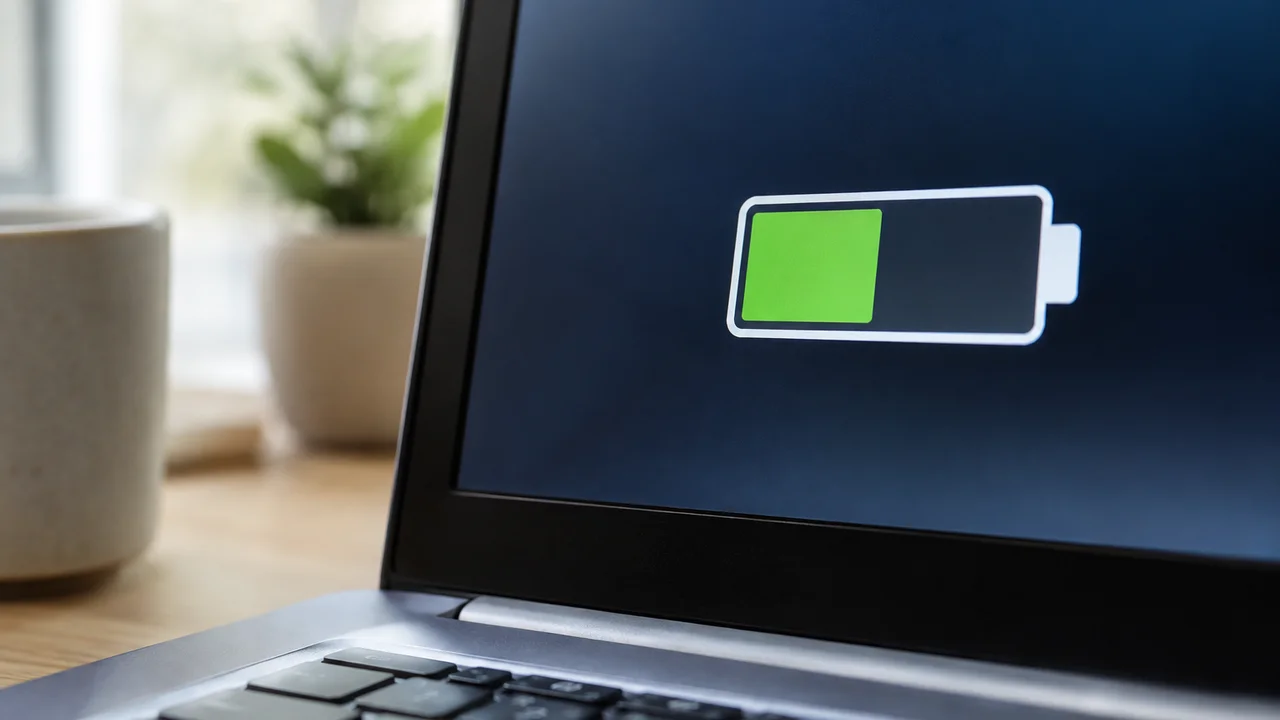
“Up to 22 hours of battery life.” That’s the kind of line sitting on a laptop spec sheet in a Harvey Norman or Officeworks catalogue right now, printed next to a photo of someone looking serene on a plane. Buy that laptop, unbox it, open a dozen Chrome tabs and a Zoom call, and you’ll be hunting for a power point well before lunch. The gap between what’s printed on the box and what actually happens on your desk is one of the oldest tricks in consumer tech, and laptop battery life claims are still, in our view, the single most misleading number on any spec sheet sold in this country.
We’ve watched this pattern for years at Tech Geek, going right back to the early Ultrabook era when “all day battery” first became a marketing phrase rather than a measured outcome. The number hasn’t got more honest since. If anything, the tests used to generate it have got more generous.
How the number on the box actually gets made
Manufacturers don’t lie, exactly. They test under conditions that are real, reproducible, and almost nothing like how you’ll use the machine. The industry standard most brands lean on is some version of looping local video playback at a fixed, often quite low, screen brightness, with Wi-Fi off, background apps closed and the keyboard backlight disabled. Some use MobileMark, a benchmark from the Business Applications Performance Corporation that cycles through office-style tasks at a measured pace. Both approaches produce a defensible number. Neither resembles a Tuesday afternoon with fifteen browser tabs, a Teams call, Spotify running in the background and the screen at 80 percent brightness because you’re sitting near a window.
Screen brightness alone can account for a huge chunk of the difference. A panel running at 150 nits sips power compared with the same panel pushed to 400 nits for visibility in a sunlit kitchen. Multiply that by background sync processes, cloud storage clients, antivirus scans and the dozen Electron-based apps most of us now run without thinking about it, and the “up to” figure starts looking less like a prediction and more like a theoretical ceiling nobody is meant to actually reach.
Our take: treat “up to” as marketing shorthand for “under laboratory conditions nobody replicates,” and halve it as a starting assumption.
Why the gap matters more for Australian buyers
This isn’t an abstract complaint. Under Australian Consumer Law, products have to perform as advertised and be fit for purpose, and a laptop that delivers roughly half its claimed runtime in normal use sits in a grey area that the ACCC has looked at in other product categories without, to date, taking direct action on laptop battery claims specifically. The ACCC’s consumer guarantee guidance makes clear that misleading representations about performance can fall foul of the law, but battery benchmarks sit in a testing methodology nobody has forced standardisation on, so brands keep using the most flattering numbers available to them.
For Aussie buyers specifically, there’s a practical angle too. A lot of us are buying laptops for exactly the scenario the marketing promises: a flight from Perth to Melbourne, a day working from a café because the home office is being renovated, a long commute on the train into the CBD. If the real-world number is five hours rather than the promised eleven, that’s not a footnote, that’s the difference between finishing the work and hunting for a power board at the gate.
What actually drains a battery day to day
A few things matter far more than most buyers realise, and none of them show up on the spec sheet.
- Screen brightness and resolution. A 4K panel at full brightness can chew through battery noticeably faster than the same chassis with a 1080p screen at 60 percent.
- Background sync and cloud storage. OneDrive, Google Drive and similar services constantly checking for changes keep the CPU from properly idling. We’ve written before about how Microsoft’s OneDrive naming history ties into the broader push to get everyone’s files syncing permanently in the background, which is handy for backup and rough on a battery gauge.
- Wi-Fi and Bluetooth radios, especially on older chipsets that haven’t had firmware updates to improve power management.
None of this is exotic. It’s just that the advertised number assumes almost all of it switched off, which is not how anyone actually uses a laptop for work.
Why the processor inside matters more than the badge on the lid
Here’s where the contrarian bit comes in: we reckon far too much credit for battery life gets given to the chassis and the battery cell size, when the processor architecture inside does more of the heavy lifting than most reviews admit. The shift toward ARM-based chips in some Windows laptops, and Apple’s own move to its M-series silicon years ago, demonstrated that the same workload can be done with a fraction of the power draw if the chip is designed for efficiency from the ground up rather than adapted from a desktop lineage.
Traditional x86 chips from Intel and AMD have closed a lot of that gap with newer efficiency cores and better power management, and the latest generations are genuinely better than what shipped three or four years ago. But our honest view is that a buyer chasing all-day battery life should weight the processor family more heavily than the quoted watt-hour rating of the battery itself. A big battery paired with an inefficient chip still drains fast; a smaller battery paired with an efficient chip can comfortably outlast it. Spec sheets rarely make that trade-off obvious, and sales staff rarely explain it either.
One line worth remembering: the battery number on the box tells you what the lab measured, not what the chip inside is actually going to cost you in real use.
Does the operating system make a real difference?
Partly. macOS has historically been tuned tightly to Apple’s own hardware, which helps, but Windows has closed a lot of ground with better power plans and, more recently, Microsoft’s own Copilot+ PC efficiency push on newer ARM-based machines. If you’re still running an older machine and wondering whether the operating system itself is part of your battery problem, it’s worth knowing that Microsoft’s own Windows 10 end of support page confirms free support ended in October 2025, with the consumer Extended Security Updates programme now running through to October 2027 for those who’ve enrolled. An unsupported, unpatched system is also likely running less efficient background processes than a properly updated one, which is one more reason to keep Windows current rather than assume ageing hardware is entirely to blame.
We’ve also covered how Copilot in Windows actually works, including how to switch it off, which is relevant here too: AI features running locally or checking in constantly with the cloud are not free in battery terms, even when they feel invisible.
What to actually check before you buy
Forget the headline hours. A few more useful questions to ask in store or before you click purchase:
- Does the listing specify the test method (video playback loop versus a mixed-use benchmark like MobileMark)? If it doesn’t say, assume the most flattering method was used.
- What’s the battery capacity in watt-hours, and how does that compare with similar-sized laptops at a similar price, typically somewhere between $1,200 and $2,500 for a solid mid-range machine at the time of writing?
- Is the chip from a recent efficiency-focused generation, or an older, cheaper part being sold through on a discount?
If you’re shopping for a laptop primarily to use away from a desk, it’s also worth reading our broader look at who actually needs a mini PC versus a laptop, since a chunk of “portable” buyers would honestly be better served by a small desktop and a cheap second screen at home, with a basic laptop reserved for actual travel.
The honest number: what to expect in daily Australian use
Our rough rule of thumb, based on years of watching the gap between marketing and reality across review units and reader feedback: take the advertised figure, and expect somewhere between 45 and 65 percent of it in genuine mixed use, web browsing, document work, the occasional video call, screen brightness somewhere in the middle. A laptop claiming 20 hours is, in our experience, a realistic 10 to 12 hour laptop in Australian daily use. One claiming 10 hours might get you six.
That’s not a reason to ignore the spec sheet entirely. It’s a reason to compare it against other laptops using the same rough discount, rather than trusting the absolute number. A laptop advertising 18 hours against one advertising 14 will probably still outlast it in real use, even once you’ve mentally knocked both figures down. The relative comparison holds up better than the absolute promise.
Fair dinkum, the fix here isn’t complicated: manufacturers could publish mixed-use battery figures alongside the best-case number, the way fuel economy labels show both a highway and city figure for cars. Until that becomes standard practice, the healthiest thing an Australian buyer can do is treat every “up to” claim as a ceiling, not a promise, and build in some scepticism before they hand over their card.
— Dale Whitfield, Founding Editor, Tech Geek
Featured image: Photo:Juandev, CC BY-SA 3.0.