Three years is roughly when we start getting emails along the lines of “is my phone broken or is it just old.” Nine times out of ten the phone isn’t broken at all. It’s drowning in background apps, a near-full storage drive and a battery that’s lost enough capacity to make the processor throttle itself to protect what’s left. The fix is rarely a new phone. It’s usually twenty minutes of housekeeping, and we reckon most Australians trade in a perfectly serviceable handset a year or two before they need to.
We’ve gone through this process on a pile of older Android phones for this piece, from mid-range Samsung Galaxy A-series handsets to a couple of ageing Pixels, and the pattern holds. Software bloat and storage pressure do more damage to day-to-day speed than age alone. Here’s what’s actually worth doing, in roughly the order of effort versus payoff, and where we think the common advice gets it backwards.
Check how much storage is actually free
Android slows down hard once storage gets near full, because the system needs free space to write temporary files, cache app data and manage updates. A phone with less than ten percent free space will feel sluggish even if the processor inside is perfectly capable. Open Settings, then Storage, and look at the number rather than guessing.
The usual suspects are photos and videos (particularly anything shot at 4K), WhatsApp and Messenger media caches, and apps you installed once and forgot about. Go through installed apps sorted by size, not by how recently you opened them. We’d also point out that clearing an app’s cache is different to clearing its data: cache clearing is safe and just forces the app to rebuild temporary files, while clearing data can log you out or wipe local settings. Use the cache option first.
Deal with the apps running in the background
This is the one most guides skip, and it’s where we’d push back on the usual advice to “just restart your phone.” Restarting helps for an hour. What actually matters is which apps have permission to run in the background and wake the phone up.
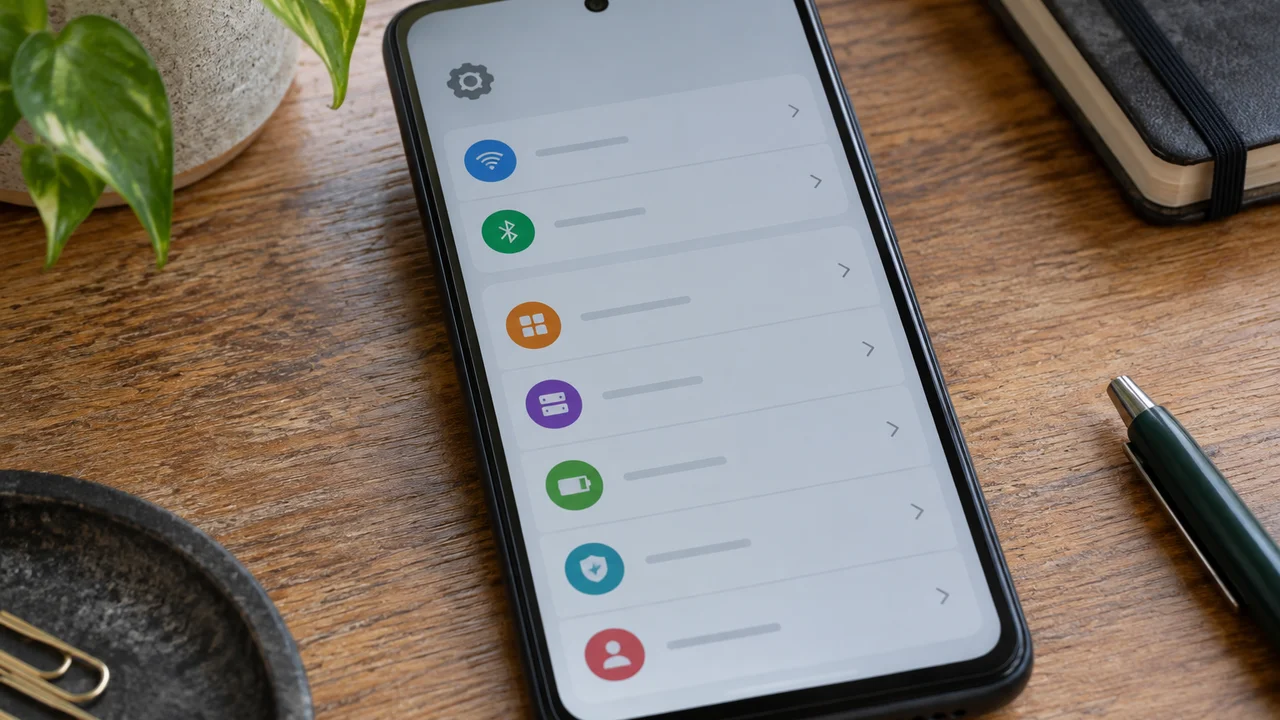
In Settings, under Apps, most Android phones let you check battery usage per app over the last 24 hours. If something you barely use is chewing through background activity, go into its settings and restrict background data or disable auto-start. Manufacturer “battery optimisation” apps from Samsung, Oppo or Xiaomi are blunt instruments and will sometimes kill apps you actually want running, like a messaging app, so don’t just mash “optimise all” and call it done. Be selective.
Widgets and live wallpapers
A home screen full of live weather widgets, social feed widgets and an animated wallpaper is a genuine drain on an older chip. Each one refreshes on its own schedule, and on a phone with four or five-year-old silicon that adds up to visible stutter when you’re just trying to open the camera. Strip the home screen back to the apps you use daily and a static wallpaper, and most people notice the difference within a day.
Check for outstanding software updates
Go to Settings, System, then System update, and see what’s sitting there unapplied. A lot of the phones we see in for a “why is this so slow” check have months of pending security patches and at least one Android version upgrade waiting. Manufacturers do tune performance and memory management in these updates, not just patch security holes.
This is also where the ugly truth about Android support lives. Most mid-range Android phones get somewhere between three and five years of security updates from the manufacturer, depending on the brand and the tier of phone, and once that runs out there’s no more tuning coming, full stop. We’ve written in more detail about how that gap plays out between brands in our piece on how long a smartphone should last before you upgrade, and it’s worth a read before you assume your phone’s hit end of life. It might have years left in it yet.
Turn off animations you don’t need
Here’s our mildly unpopular opinion: the single most effective speed trick on an older Android phone isn’t a cleaner app or a factory reset, it’s turning down the animation scale in Developer Options. Most people have never opened this menu because Android hides it behind seven taps on the build number in About Phone.
Once you’re in, there are three sliders: Window animation scale, Transition animation scale and Animator duration scale. Setting all three to 0.5x instead of the default 1x doesn’t make the phone objectively faster, the chip still does the same work, but it makes the phone feel dramatically snappier because you’re not waiting through a 300-millisecond swoosh every time you open an app. We’d argue this matters more for perceived speed than almost anything else on this list, and it costs nothing and takes thirty seconds.
Consider a factory reset, properly
If a phone has been through several Android version upgrades over its life, each one layered on top of years of installed apps, accumulated settings and background cruft, sometimes the cleanest fix really is wiping it back to factory settings and starting again. We don’t suggest this lightly. It’s the “did you turn it off and on again” of phone advice and it gets overused, but on a phone that’s four-plus years old with a messy install history it genuinely helps in a way that cache-clearing alone doesn’t.
Back up photos, back up anything stored only locally in messaging apps, and check what’s tied to your Google account versus what lives only on the device. If you’re doing this because the phone is heading to a new owner rather than back to you, our full walkthrough on wiping an old phone or laptop properly before you sell it covers the steps that stop your data turning up on someone else’s handset. That’s a genuinely common failure point we hear about from readers, and it’s avoidable.
The battery is often the real culprit
A phone’s battery loses capacity over charge cycles, and most manufacturers rate theirs for somewhere around 80 percent capacity remaining after a few hundred full cycles, though the exact figure varies by brand and battery chemistry. When a battery degrades enough, the operating system will throttle the processor to stop the phone from browning out or shutting down unexpectedly under load. This was the whole “batterygate” saga on iPhones a few years back, but the same throttling behaviour exists on Android, it just gets talked about less.
Check battery health if your phone’s manufacturer exposes that figure in settings (Samsung and a few others do now). If the battery’s well down and the phone’s otherwise in good nick, a battery replacement through a manufacturer-approved repairer is often the better spend than a new handset, and it’s usually a few hundred dollars rather than four figures. Tradies and anyone who runs a phone hard all day, using it for invoicing, photos, navigation and calls back to back, will notice a battery swap more than almost any software tweak on this list.
Storage type and why older cheaper phones feel gluggy
Not every slowdown is fixable with cleaning. Cheaper and older Android phones sometimes use a slower storage standard, eMMC rather than the faster UFS found in most mid-range and flagship phones from the last few years. eMMC storage genuinely gets slower to write to as it fills up, in a way UFS doesn’t to the same degree. If your phone is a budget model from several years ago, there’s a hardware ceiling here that no amount of cache clearing will fix. That’s a reasonable moment to start looking at a replacement, not before.
If you’re shopping for that replacement and considering a refurbished or second-hand handset to keep the cost down, we’ve got a separate guide on what to check before buying a refurbished phone in Australia that covers battery health disclosures and warranty terms sellers should be offering. Worth reading before you hand over money on a marketplace listing.
When it’s genuinely time to move on
All of the above assumes the phone is still receiving security updates. Once a manufacturer stops shipping them, that’s a harder line in our view than speed or storage. An unpatched phone connected to your banking apps, your email and your second factor codes is a real security gap, not a theoretical one, and the Australian Cyber Security Centre has been consistently clear that unpatched devices are a disproportionate source of real-world compromise. If your phone’s past its update window, no cleaning trick changes that calculus.
Short of that cut-off, though, we’d genuinely argue most people are replacing phones sooner than they need to, driven more by marketing cycles and a slow home screen than any real hardware failure. A clean-up afternoon costs nothing. A new phone costs anywhere from several hundred to well over a thousand dollars depending on the model. Try the cheap fix first.
And if security is really the thing nagging at you rather than speed, it’s worth remembering that the account most worth protecting on any phone, old or new, is the email account tied to it. We’ve gone into why in why securing your email is the real key to online safety, and it matters more on an older phone than a new one, because that’s the device most likely to be running outdated protections underneath.
Our verdict on reviving an older phone
If we had to rank the fixes above by bang for buck, it goes: clear storage and background apps first, because it’s free and immediate; check for pending updates second, because manufacturers genuinely do tune performance in them; turn down animation scales third, because it’s the cheapest perceived-speed win nobody talks about; and only then consider a battery swap or a factory reset. A new phone sits at the very bottom of that list, not the top, which is roughly the opposite order most retail staff will suggest to you. Our take is that’s not malice, it’s just that nobody’s commission depends on you opening Developer Options.
For related reading on what the Australian Competition and Consumer Commission expects of manufacturers around repairability and consumer guarantees, the ACCC’s consumer guidance is a decent starting point if you ever feel a manufacturer’s update or repair policy has fallen short of what was promised at sale.
— Priya Raman, Reviews Editor, Tech Geek
Featured image: AI-generated illustration.