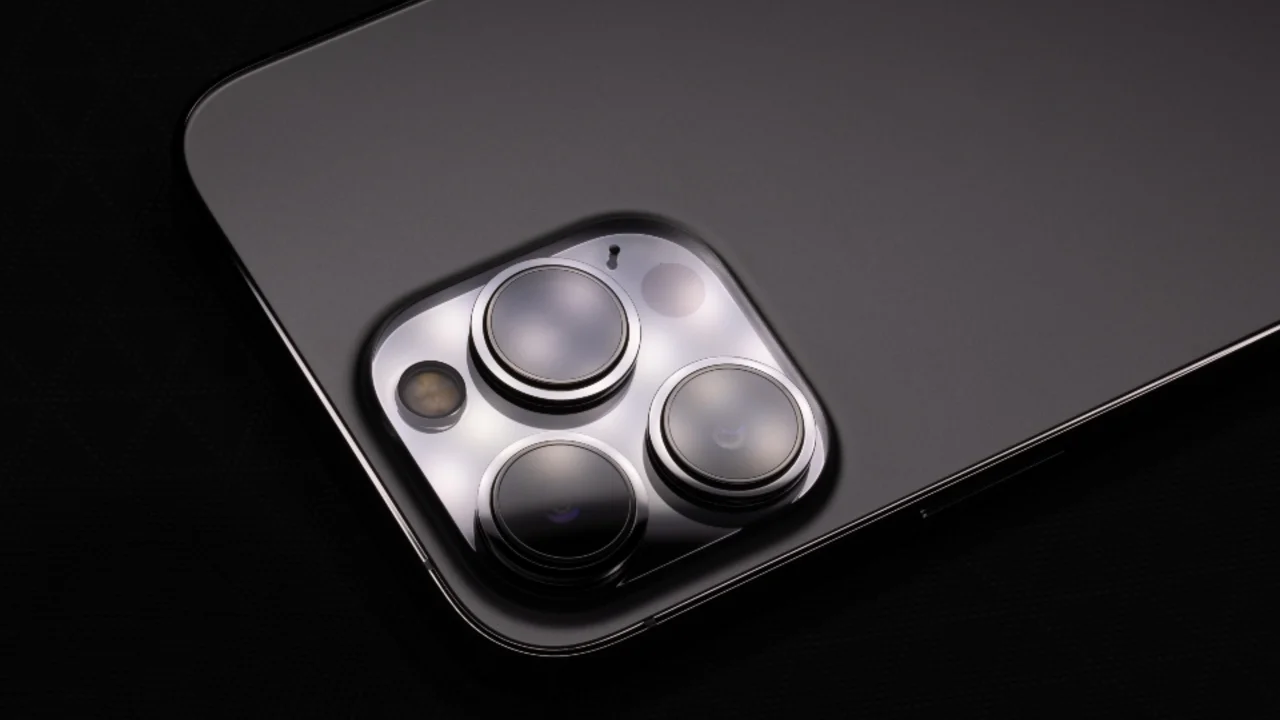
Seven years. That’s roughly how long Google now promises security and OS updates for its newest Pixel phones, and Samsung has matched it on recent Galaxy S and flagship A-series models. A decade ago the industry norm was two years, maybe three if you were lucky. So the honest answer to how long should a smartphone last has shifted a lot faster than most people’s upgrade habits have, and that gap is where we reckon a lot of Australians are wasting money.
We get versions of this question constantly from readers: “my phone still works fine, so why does it feel like I should replace it?” Usually the answer has nothing to do with whether the phone works. It’s a notification nudging you towards a new plan, a cracked screen you’ve been ignoring, or a vague sense that three-year-old tech must be obsolete. Sometimes it isn’t. Sometimes it really is time. The trick is telling the difference.
The three things that actually end a phone’s life
In our experience there are really only three things that kill a phone, and spec-sheet age isn’t one of them.
The first is battery health. Lithium-ion batteries degrade with charge cycles, not calendar years, so a phone charged twice a day will wear out faster than one charged once. Most manufacturers reckon on battery capacity dropping to somewhere around 80 percent of original after a few hundred full cycles, though the exact figure depends on the brand and how the phone’s been treated. Once a phone can’t get you through a work day without a top-up, that’s a real, felt problem, not a marketing one.
The second is software support ending. This is the one people underestimate. Once security patches stop, a phone becomes a genuinely worse thing to carry, not just an old thing. Banking apps, MyGov, anything handling personal data gets riskier on an unpatched device, and that’s not scaremongering, it’s the same logic behind the ACSC’s basic advice to keep devices updated as one of the simplest ways to reduce your exposure to scams and malware.
The third is physical damage that’s no longer economical to fix. A cracked screen or a battery that needs replacing is usually worth fixing. A phone that’s been dropped in the harbour, has a dead charging port and a battery that swells, probably isn’t.
Why the two-year upgrade habit doesn’t make sense any more
Telcos built the two-year upgrade cycle into plans for years, bundling a new handset into a 24-month contract because that matched how fast phones used to become obsolete. These days most mid-range and flagship phones from Samsung, Google and Apple get updates for five to seven years, which means the hardware frequently outlasts the plan structure built around it.
Here’s our mildly unpopular opinion: for most ordinary users, upgrading every two years is close to the worst way to spend money on a phone. You’re paying full depreciation on the steepest part of the curve, twice, instead of once. A phone bought today for around $1,200 and kept for five years works out cheaper per year than the same phone upgraded at two years and again at four, even once you account for a possible battery replacement around year three. The industry would obviously prefer you didn’t do this maths, which is exactly why nobody spruiks it.
None of this applies if your current phone is genuinely struggling. We’re talking about the habit of upgrading on a schedule regardless of condition, which is different from upgrading because the thing in your pocket has become a liability.
How to actually check your phone’s condition
Rather than guessing, there are a few concrete things worth checking before you decide anything.
- On an iPhone, go to Settings, Battery, Battery Health and look at maximum capacity. Below about 80 percent, you’ll notice it in daily use.
- On Android, check Settings, Battery, and look for a battery health or “device care” style option; not every manufacturer surfaces this as clearly as Apple does, which is itself a minor gripe we have with Android as a whole.
- Check how many more years of security updates your exact model has left. Manufacturer support pages list this by model number, not by phone family, so a base model and a Pro model released the same year can have different end dates.
If the battery’s fine and the updates have years left, you’ve probably got a phone that’s annoying you for reasons that have nothing to do with its actual condition: a scratched screen, storage clutter, or simple boredom. Those are real, but they’re not the same question as “is this phone dying.”
Students, parents, tradies and travellers need different rules
Students on tight budgets are usually best served by buying one step down from flagship and keeping it as long as the battery allows, since the resale value drop on a flagship in year one is brutal and rarely worth it for someone who just needs reliable messaging, lecture recording and decent battery life through a long day on campus.
Parents buying a first phone for a teenager should think less about specs and more about repairability and a case that survives being dropped on a tiled kitchen floor, because that phone will be dropped, repeatedly, and a $60 screen repair beats a $400 replacement every time. It’s also worth knowing the eSafety Commissioner’s guidance on age-appropriate use, given the social media minimum age rules that came into force in December last year now shape what a teenager’s first phone is actually used for.
Tradies tend to be hardest on hardware, and for them we’d actually argue a rugged case plus a mid-range phone beats a flagship in a slim case nearly every time; a shattered camera lens on site is a bigger problem than missing out on the latest chip. Battery life matters more than raw speed when you’re on tools all day without easy charging access.
Travellers should weight software support and eSIM compatibility highly, since a phone that still gets security patches and can add a local eSIM without hunting for a physical SIM shop makes connecting overseas far less painful. If you’re relying on mobile data a lot while travelling, it’s also worth understanding how Wi-Fi calling and VoLTE actually work so calls don’t drop the moment you’re on hotel Wi-Fi instead of the telco network.
The repair versus replace maths
A battery replacement for most phones currently runs somewhere in the $100 to $180 range depending on model and whether you go through the manufacturer or a third-party repairer. A screen repair is usually similar or a bit more. Compare that to a new mid-range phone at $500 to $900 or a flagship well north of $1,500, and the repair option wins comfortably in most cases, provided the rest of the phone is in good order.
Where this breaks down is when a phone needs two things fixed at once, say a battery and a screen, or when the model is old enough that parts are getting scarce and repairers are charging a premium for the hunt. At that point you’re not really choosing between repair and replace any more, you’re choosing between replace now and replace in six months after the next thing breaks.
It’s also worth checking whether a problem is a battery issue at all before you pay for anything. A phone that’s suddenly sluggish, overheating or losing charge fast sometimes has a software cause, not a hardware one, and a factory reset after a proper backup of your Android phone can occasionally buy you another year for free.
The angle the telcos don’t bring up
Manufacturing a new phone has a genuinely significant carbon and resource cost before it’s even switched on for the first time, mostly tied up in mining rare earth elements and manufacturing the battery and screen. Keeping a phone for five years instead of two roughly halves the manufacturing footprint per year of use, even before you factor in e-waste. The ACCC has taken increasing interest in how repairable and durable consumer electronics are, partly because this stuff matters to buyers and partly because manufacturers have historically made repair harder than it needs to be.
We’re not precious about this. Buy a new phone when you need one. But treating “my phone is three years old” as a reason on its own, with no other symptoms, is the one upgrade trigger we’d actually push back on.
When it’s genuinely time to upgrade
Strip away the noise and there are really only a handful of honest reasons to replace a phone that still turns on. The battery no longer gets you through a normal day even with light use. Security updates have stopped, or are about to. A repair would cost more than roughly half the price of a comparable new phone. Or the phone can no longer run something you genuinely need, whether that’s a work app, a banking app that’s dropped support, or decent camera performance for a specific use case like travel photography.
Everything else, including a slightly slower feel compared to the newest model in a shop window, is want rather than need. That’s a fine reason to upgrade too, we’re not here to lecture anyone out of buying a nice phone. Our point is just that “want” and “need” get sold to Australians as the same thing, usually around the time a new flagship launches, and they’re not. If you’re shopping anyway, our review of the Pixel 10 as Google’s current flagship is a decent starting point for what long-term software support looks like in practice right now, and if battery anxiety is actually your core problem rather than the phone’s age, it’s worth working through our tips for making a smartphone battery last longer before you spend anything at all.
Honestly, the phone in most people’s pocket right now has got more life left in it than the upgrade prompts suggest. Check the battery, check the update timeline, and make the call based on that rather than on how many years it’s been since launch day.