Stand in a double-brick house in Sydney’s inner west and watch your bars drop from four to one the second you walk into the laundry. That’s the moment most people discover their phone has a setting called Wi-Fi calling, usually because a mate texts “did you mean to hang up on me three times?” The fix is almost always sitting in the settings menu already, switched off by default. Understanding Wi-Fi calling and VoLTE properly, what each one actually does and where they fall over, saves a lot of frustrated reception calls to telco support lines.
Wi-Fi calling and VoLTE: what’s the actual difference
VoLTE stands for Voice over LTE, and it’s the technology that lets your phone make a normal mobile call over the 4G network instead of dropping down to the old voice network that doesn’t exist in Australia any more. Since the 3G shutdowns in 2024, every voice call on Telstra, Optus and Vodafone (now part of TPG Telecom) runs over VoLTE or its 5G equivalent, VoNR. There’s no fallback left. If your handset doesn’t support VoLTE, it simply can’t make or receive calls on these networks, full stop.
Wi-Fi calling is a different thing entirely, though people mix the two up constantly. It routes your call through whatever Wi-Fi network you’re connected to instead of the mobile network at all. Your phone number still rings, texts still arrive as normal, but the call itself travels over your home broadband or the café’s guest network rather than a tower. It’s the thing that saves you when you’ve got full Wi-Fi bars and zero mobile reception, which in a lot of Australian homes is most evenings.
Why this matters more in Australia than people think
We’ve got a genuinely patchy geography problem. Large chunks of regional Australia still have thin or non-existent mobile coverage, and even in capital cities, modern building materials play havoc with signal. Double-glazed windows, foil insulation and brick veneer all attenuate 4G and 5G far more than the weatherboard homes of a few decades back. The result is new-build houses in Western Sydney or inner Melbourne with “full coverage” according to carrier maps but barely a bar inside.
That’s precisely the gap Wi-Fi calling was built to plug, and it’s worth checking it’s actually switched on rather than assuming your phone handles it automatically. On an iPhone it lives under Settings, then Phone, then Wi-Fi Calling. On most Android phones sold here, it’s under Network & internet, then the SIM or carrier settings. The exact menu wording varies by brand, which is its own small annoyance, but the setting exists on effectively every phone sold by an Australian telco in the past five years.
The setup gotchas nobody warns you about
Here’s our mildly unpopular opinion: we reckon telcos undersell Wi-Fi calling because it doesn’t generate any billable network load, and that’s a bit of a shame given how useful it is. It barely gets a mention at point of sale, whereas 5G speed gets plastered across every shopfront. A feature that actually fixes dropped calls in your own lounge room deserves more airtime than another “up to” speed figure nobody will ever see in real conditions.
A few practical traps worth knowing. First, Wi-Fi calling generally needs to be set up once per SIM, so if you’ve swapped to an eSIM or moved providers, check the toggle again rather than assuming it carried over. Second, your emergency location accuracy can differ over Wi-Fi calling, because the network relies on the registered address or detected location rather than tower triangulation; if you’re travelling and using someone else’s Wi-Fi, update the registered address in your telco’s app if it asks. Third, some older or budget-tier prepaid phones, particularly grey-import handsets bought overseas and brought to Australia, never got Wi-Fi calling enabled for local telcos in software, even though the hardware is capable. That’s a software support gap more than a hardware one, and it’s a good reason to buy handsets intended for the Australian market rather than grey imports, even when the import looks cheaper.
Which buyers actually feel the difference
For parents with teenagers glued to their rooms, which in most older Australian homes are the worst mobile reception spots in the house thanks to extra walls and distance from the street, Wi-Fi calling is the difference between a phone that works and one that doesn’t. We’d put it near the top of the checklist when setting up a new phone for a kid, right next to parental controls.
Tradies working in basements, new builds mid-construction, or older brick warehouses being converted to apartments run into the same wall, often literally. If you’re relying on your phone for job coordination and the site has decent NBN or a 4G/5G modem on hand, Wi-Fi calling keeps you reachable without needing to step outside every time a call comes through.
Travellers get a different benefit again. Wi-Fi calling over an international hotel or café network, when it works, lets you receive calls on your normal Australian number without a roaming charge for the call itself, though data charges for the Wi-Fi connection obviously still depend on whoever’s network you’re borrowing. It’s not a substitute for a travel SIM or eSIM if you need mobile data on the go, but for staying reachable on your regular number it’s handy and free.
Where VoLTE compatibility still trips people up
Because 3G is gone for good, a phone without VoLTE support is now a phone that can’t make voice calls on an Australian network, not just a phone with worse call quality. This mostly affects very old handsets, some outdated IoT devices repurposed as phones, and a handful of imported models never certified for local bands. If you’re buying second-hand, particularly through marketplace listings rather than a proper refurbisher, it’s worth confirming VoLTE support explicitly before handing over cash. Our view is that this check matters more than chasing a slightly higher resale-value model, because a phone that can’t dial out is worthless regardless of how good the camera is.
If you’re weighing up whether an older phone is worth keeping at all once support questions come up, we’ve gone through the repair-versus-replace maths in detail, including when a battery swap or screen repair genuinely extends a phone’s life versus when you’re throwing good money after bad: see our phone repair or replace guide.
Call quality, HD voice and the bit telcos don’t explain well
One underrated side effect of VoLTE is noticeably better call quality, sometimes marketed as “HD Voice” or “HD+”. Both people on the call need VoLTE-capable phones and compatible telcos for the improvement to kick in, which is why some calls still sound thin even on modern hardware; if one side is on an older network path, you get the lowest common denominator. This isn’t something you can fix from your end alone, so if a particular contact’s calls always sound rough, it may simply be their handset or carrier rather than yours.
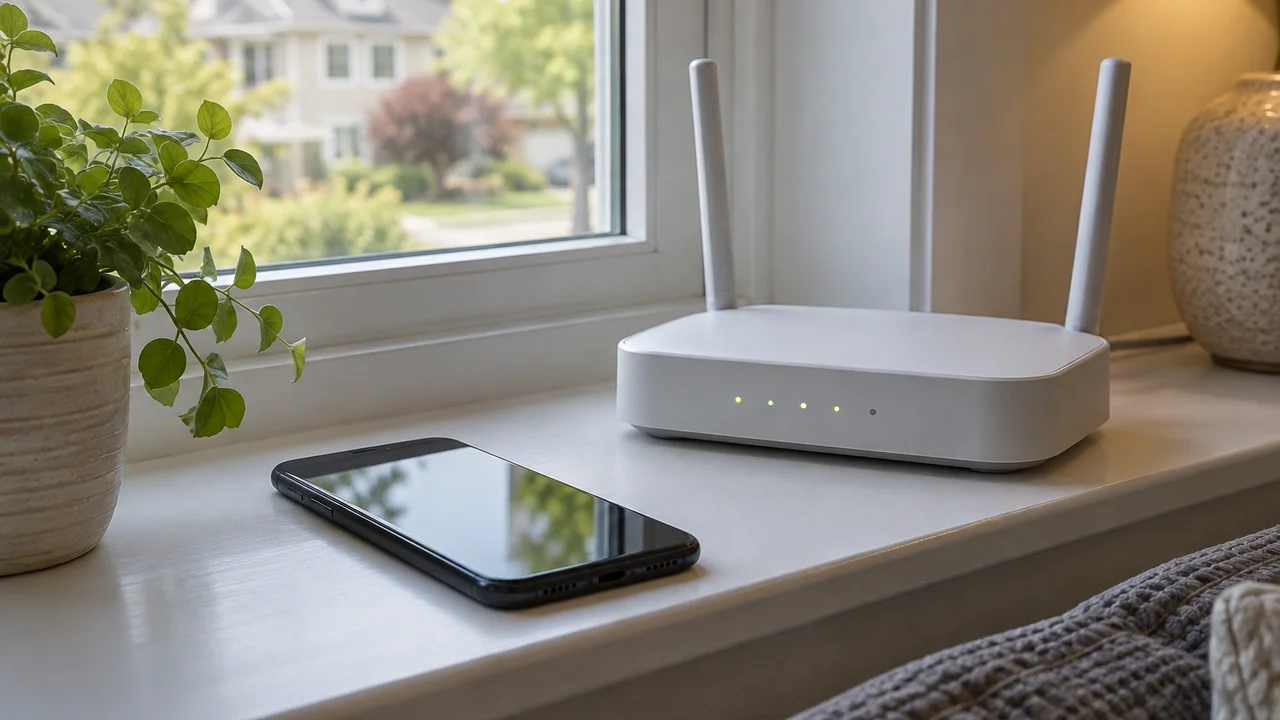
Wi-Fi calling quality, meanwhile, lives and dies by your Wi-Fi network’s actual health rather than its advertised speed. A congested home network with a dozen smart devices competing for bandwidth, or a router stuck in a cupboard three rooms from where you’re standing, can make Wi-Fi calls choppier than the mobile network they were meant to rescue. If you’re mid-renovation of your home network setup anyway, our NBN versus Starlink comparison is a reasonable starting point for whether your underlying connection needs an upgrade before you blame the phone.
How to actually check and fix this today
The quickest health check takes about two minutes. Open your signal status bar and look for a small “VoLTE”, “HD” or “Wi-Fi calling” icon appearing when you’re on a call; most Android phones and iPhones display one of these during an active connection, confirming which path the call is actually using. If neither ever appears, head into network settings and confirm both features are toggled on, then restart the handset, since a surprising number of these settings silently reset after a software update.
If problems persist after that, it’s worth ringing your telco directly rather than assuming it’s your phone. Telstra, Optus and Aussie Broadband’s mobile arm, along with the various TPG-owned brands, can all check provisioning on their end, because occasionally a SIM simply hasn’t had Wi-Fi calling enabled on the account side even though the phone supports it. The Australian Communications and Media Authority maintains service standards around phone and internet complaints handling that telcos are required to follow, which is useful to know if you end up stuck in a support loop; see the ACMA’s telecommunications guidance for what providers are obligated to resolve. For a broader look at how reliable the underlying mobile networks are in 2026, our 5G coverage and speed breakdown covers where the gaps genuinely sit by region.
Our take: turn it on and stop guessing
Honestly, the fact that Wi-Fi calling isn’t switched on by default on most phones out of the box is the one genuine design misstep here. Everything else about this technology is sound and, for the most part, invisible once configured. We’d rather see telcos and handset makers default it to “on” during setup, with an opt-out for people who don’t want it, rather than leaving millions of Australians to discover dropped calls are an easily solved problem only after enough frustration to go digging through settings menus.
If you do one thing after reading this, check both toggles tonight. It costs nothing, needs no new plan, and for a reasonable chunk of Australian homes it is the single easiest reception fix available. The Australian Competition and Consumer Commission’s work on telco service standards, outlined on the ACCC’s telecommunications consumer page, exists precisely because reliable calling shouldn’t require this much DIY troubleshooting in the first place. Until that changes, the settings menu is still the fastest fix we’ve got.
Featured image: Director Mtonga Kenya, CC BY-SA 4.0.