Five apps, zero subscription fees, and a fair bit of confusion about what you’re actually signing up for. That’s the state of free-to-air streaming apps in Australia right now. ABC iview, SBS On Demand, 7plus, 9Now and 10 all sit on most smart TVs and phones already, usually pre-installed, and most of us open one or two of them out of habit without really thinking about what’s happening behind the scenes. We think that’s worth fixing, because the “free” part comes with trade-offs that aren’t identical across the five, and a couple of them are more generous with your data than you’d expect from a public broadcaster.
This isn’t a ranking of which app has the best drama library, though we’ll touch on that. It’s more about what you’re agreeing to when you tap “sign in” or “skip for now”, and why some of these apps ask for far more than others.
What free-to-air streaming actually means
Free-to-air television in Australia has always been funded by advertising, or in the ABC and SBS’s case, partly or wholly by the taxpayer rather than ads. The streaming apps are simply the internet-delivered version of the same broadcast content, plus a back catalogue you can dip into whenever you like. No monthly fee, no credit card required at sign-up. That’s the appeal, and it’s a genuine one when a Netflix or Binge subscription is creeping past $20 a month.
But “free” doesn’t mean the broadcasters aren’t getting something out of the deal. ABC iview and SBS On Demand are the closest to a true public service model, funded through government allocation rather than relying on your viewing habits to sell to advertisers. 7plus, 9Now and 10 are commercial networks, and their apps exist partly to collect viewing data that makes their advertising more targeted and more valuable. None of this is sinister. It’s the same model radio and television have run on for decades. It’s just moved from a loungeroom aerial to an account with an email address and a password attached to it.
The five apps, side by side
We’d argue the biggest practical difference between these apps isn’t content, it’s how much friction sits between you and watching something.
ABC iview has never required a login to watch content and, as far as we’re aware, still doesn’t. You open it, you watch Q+A or Gruen or the news, and that’s that. SBS On Demand is similar in spirit, with a huge amount of content, including its genuinely excellent world cinema and documentary library, accessible without creating an account, though some features like continuing a series across devices do ask you to sign in.
7plus, 9Now and 10 all push harder for an account. Signing up usually gets you an ad-free trial on select shows or better recommendations, and in fairness, it also lets you pick up a show where you left off on another device. But it also means a profile is built around what you watch, how long you watch it for and on what device, which then feeds into the kind of targeted advertising the networks sell to brands. That’s not a conspiracy, it’s in their privacy policies if you go looking, and it’s standard practice across commercial streaming generally.
Why the login wall isn’t the enemy people think it is
Here’s our mildly contrarian take: we don’t think requiring a free account is actually the problem people assume it is. A lot of readers write to us annoyed that 9Now or 7plus wants an email address just to watch the cricket highlights. Fair enough, it’s an extra step. But an account with a password you control is, if anything, a safer arrangement than an app that tracks you anonymously through your device’s advertising ID with no login at all, which is what a surprising number of “free” apps do instead. At least with an account you can see what data is attached to you, request it under the Privacy Act, and delete it. Anonymous device tracking is harder to audit and almost impossible to opt out of selectively.
The bigger issue, in our view, is password reuse. If you’re using the same password for 10 Play that you use for internet banking, the streaming login is the least of your problems. That’s where a password manager earns its keep, and we’ve gone through the options in detail in our password managers compared 2026 guide if you haven’t sorted one yet.
How the ads actually work on each app
All five apps carry advertising, including ABC iview and SBS On Demand, which might surprise people who assume public broadcasters are ad-free online the way they are on linear TV. iview runs a small number of ads on some programmes to help fund the platform; SBS On Demand carries more, consistent with SBS’s hybrid government-and-advertising funding model, which has applied since the broadcaster’s establishment.
The commercial apps run the most ad load, unsurprisingly, since advertising is effectively their entire revenue model online. 7plus, 9Now and 10 all insert ad breaks that mirror what you’d see on broadcast telly, sometimes with the option to “unlock” a shorter ad break by watching a single longer ad upfront, a pattern that’s become common across commercial streaming generally. None of the five currently offer a paid ad-free tier the way some overseas broadcasters do. Whether that changes is genuinely hard to predict, so we won’t guess.
What data these apps actually collect
Each of the five publishes its own privacy policy, and they’re worth ten minutes of your time if you’ve never read one. The short version: expect your viewing history, device type, rough location (usually just postcode-level, derived from your IP address) and any demographic details you volunteer at sign-up, like age bracket or gender, to be collected and used for advertising and audience measurement. This is standard practice and is governed, as with every Australian business handling personal information, by the Australian Privacy Principles that the OAIC oversees.
If a streaming app has ever had a data breach serious enough to require notification, it would fall under the OAIC’s Notifiable Data Breaches scheme, which is the same mechanism that applies to banks, retailers and telcos. We’re not aware of any of the five free-to-air apps having had a reportable breach, but it’s worth knowing the scheme exists and that companies are obligated to tell you and the regulator if your data is exposed, rather than quietly patching the problem.
If you’re the type who likes to see exactly what a smart TV app is sending home, this sits in the same category as the broader concerns we’ve raised about smart home device privacy, where the device itself, not just the app, can be doing more data collection than the box suggests.
Which apps are worth keeping installed
Honestly, all five, if your smart TV has the storage and the patience for five separate login screens. They don’t overlap much in content. ABC iview is unbeatable for Australian documentaries, kids’ content and news catch-up. SBS On Demand is the one we’d fight hardest to keep, between its world movies catalogue and the SBS Food content that doesn’t exist anywhere else for free. 7plus carries the AFL and some reality staples, 9Now has the NRL and a strong local drama slate, and 10 pulls in a mix of US content and local reality shows.
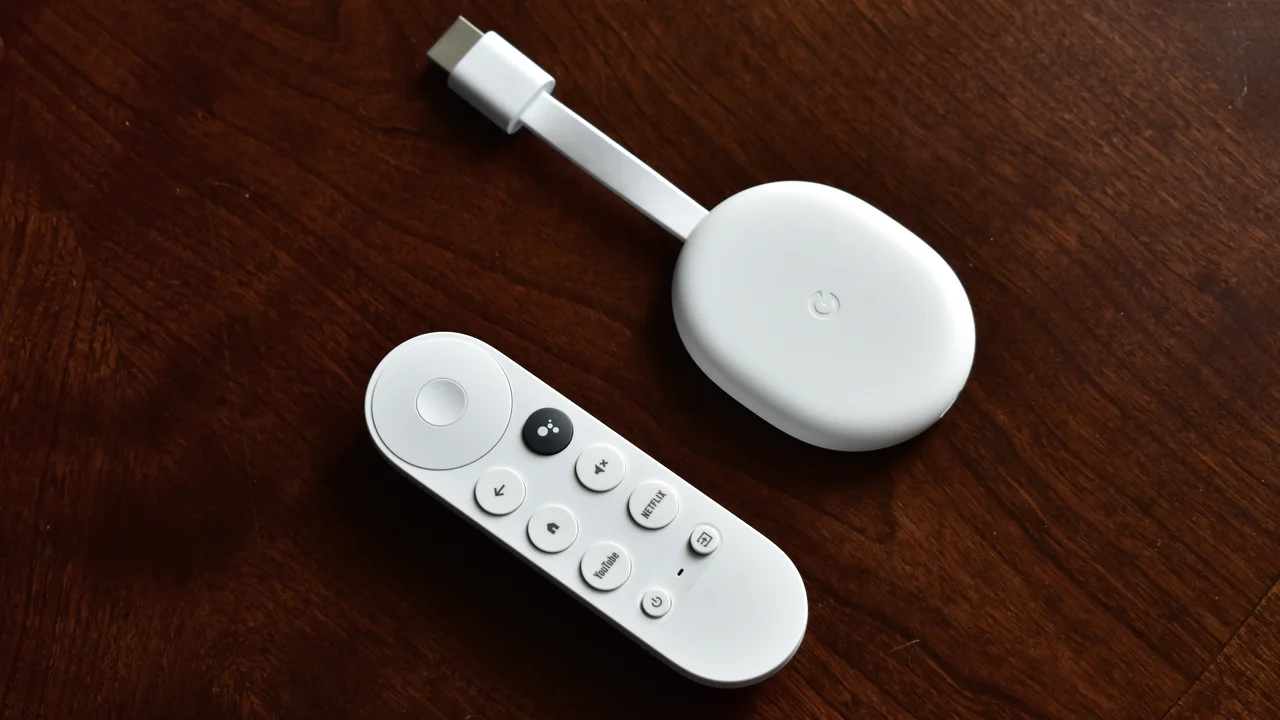
Where we’d push back a little is on smart TV remotes that now dedicate a physical button to one subscription streaming app, while the free-to-air apps get buried two menus deep. That’s a commercial placement decision by the TV manufacturer, not a reflection of what Australians actually watch most. ABC iview and 7plus both regularly post audience numbers that rival the subscription services during major sport or news events, so the button real estate doesn’t match the viewing reality.
A quick safety check for your smart TV apps
A few minutes this afternoon is enough to tidy this up. Open each app, find the account or profile settings, and check two things: whether there’s old payment information sitting attached to a trial you signed up for years ago (some apps upsell premium tiers even though the core service is free), and whether your email address is current, since that’s where any password reset or breach notification would land.
If your smart TV itself is a few years old, it’s also worth checking it’s still receiving security updates from the manufacturer, since an out-of-date TV operating system is a more realistic entry point for a stranger than the streaming app itself. This sits alongside the general home network hygiene we’ve covered in our home router security checklist, which is still the single biggest lever most households have over their overall exposure.
And if you’ve got teenagers in the house who’ve started treating these apps as a social platform, sharing clips or commenting, it’s worth knowing that the eSafety Commissioner’s social media minimum age rules, in force since December 2025, apply to platforms with social features, not traditional broadcast catch-up apps, so iview and the commercial equivalents sit outside that regime. Worth a look at the eSafety Commissioner’s guidance if you want the detail on which platforms are actually covered.
Our take on the free-to-air streaming apps
We reckon the free-to-air apps are an underrated part of the Australian streaming stack, not a backup plan for when you’ve cancelled Netflix. ABC iview and SBS On Demand in particular offer a genuinely different value proposition to the subscription services, funded differently and, in iview’s case, with no login wall at all. The commercial three ask more of you in exchange for content that’s harder to find elsewhere, like live sport, and we don’t think that trade is unreasonable as long as you know what you’re signing up for and keep your account details separate from anything financial.
The real action item isn’t deleting any of these apps. It’s spending the same ten minutes you’d spend on a Netflix audit checking what’s attached to each of the five accounts, clearing out any you don’t use, and making sure none of them share a password with something that actually matters.
Featured image: AI-generated illustration.