Apple’s cheapest iPad now costs around $749 and Samsung’s flagship Galaxy Tab S11 Ultra runs past two grand, so picking the best tablets in Australia in 2026 isn’t the easy budget decision it used to be. Prices across the board have crept up over the past year, Google has just walked away from its own tablet, and the gap between a device that’s genuinely useful and one that gathers dust on a nightstand comes down to matching the model to what you’ll actually do with it.
The tablet market has quietly reshuffled itself
A year ago you’d have named five viable tablet brands without thinking too hard. That list just got shorter. Google pulled the Pixel Tablet from sale entirely in early September, quietly removing it from the online store in Australia, the US, Canada and the UK after a second-generation model was reportedly cancelled over profitability concerns. It’s a reminder that outside Apple and Samsung, the Android tablet market has never really found its footing, no matter how many times a manufacturer has had a crack at it.
That leaves the field narrower than the marketing suggests. Apple still sets the pace on hardware and software polish. Samsung is the only company seriously contesting the top end, and it’s doing so by including accessories Apple charges extra for. Everyone else, Lenovo included, competes on price rather than trying to out-spec the leaders. None of that is necessarily bad news for buyers. It just means the decision is less about picking a brand and more about picking a price band and a use case, then working out which brand fits it.
Apple’s iPad lineup: four models, a lot more than four price points
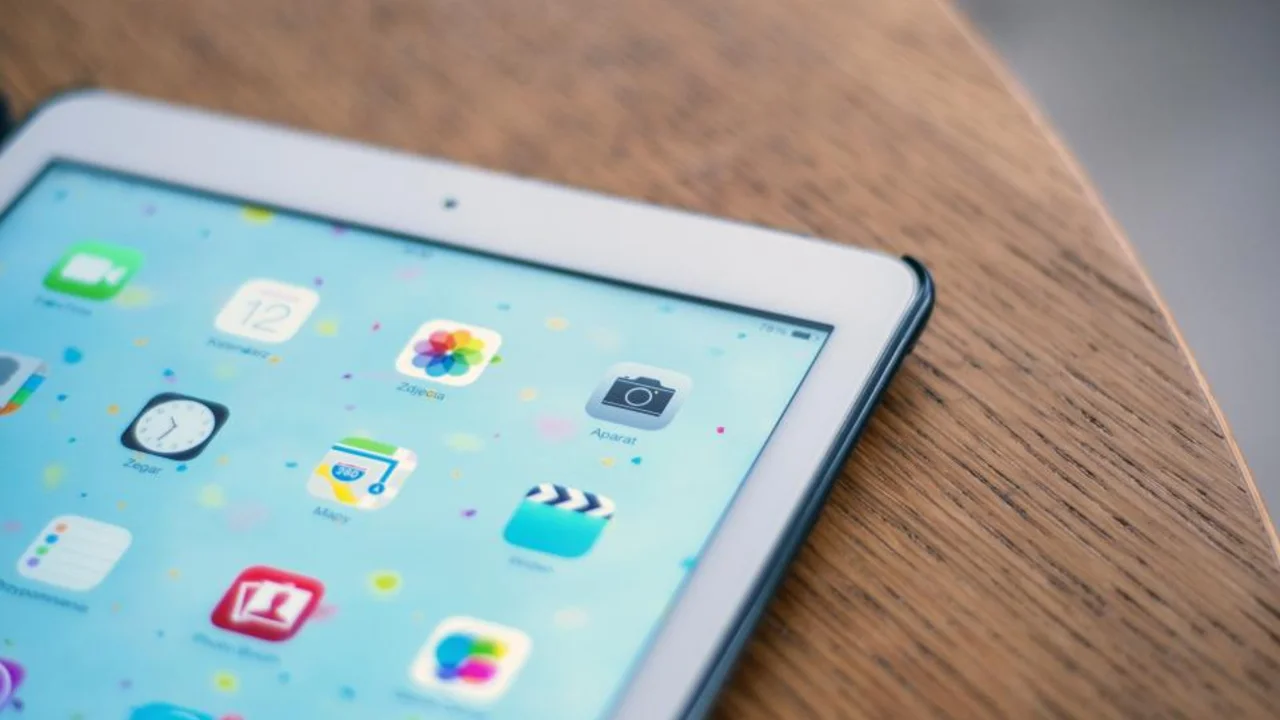
Apple still sells four distinct iPads, and the gaps between them have grown. The entry iPad, now on the A16 chip, starts at around $749 for 128GB of storage, a genuine jump from what the base model used to cost. It supports the USB-C Apple Pencil but not the pricier Pencil Pro, which is a fair hint that Apple wants you looking at the Air or Pro if drawing or handwritten notes actually matter to you.
The iPad mini, at around $949, is the one people underrate. It’s the only iPad that’s genuinely pocketable in a bag rather than a backpack, it does get Pencil Pro support, and Apple hasn’t messed with the formula much because it doesn’t need to. Step up to the iPad Air, from about $1,249 for the 11-inch or $1,599 for the 13-inch, and you’re on the M4 chip with real multitasking headroom. The iPad Pro, refreshed with Apple’s M5 chip late last year (full specs are on Apple’s iPad range page), now starts at roughly $1,999 for the 11-inch and $2,599 for the 13-inch. That’s several hundred dollars more than the previous generation cost at launch, and for most people browsing, streaming and writing emails, it buys almost nothing they’ll notice day to day.
Worth remembering: none of those prices include a keyboard or a stylus. Add an Apple Pencil Pro, around $219, and a keyboard case, and a $1,999 iPad Pro can clear $2,600 before you’ve opened a single app.
Samsung’s Galaxy Tab S and Tab A: the pen-included alternative
Samsung’s answer starts with the S Pen already in the box on every current Galaxy Tab S11 configuration, a detail Apple’s marketing conveniently skips over. The Galaxy Tab S11 launched from around $1,399, sitting roughly between the iPad Air and iPad Pro on price, while the enormous Galaxy Tab S11 Ultra, a 14.6-inch slab just 5.1mm thick, starts at about $2,099 for 256GB. That’s flagship-tablet money, and it looks it.
Samsung’s Galaxy Tab S range also picked up a genuinely useful software change this generation. Samsung DeX, the desktop-style multitasking mode, has been rebuilt around Google’s own Android 16 desktop framework, with support for multiple monitors and up to four virtual desktops once you plug the tablet into a screen. It’s the closest an Android tablet gets to acting like a laptop, and on the Tab S11 it’s a swipe away rather than buried three menus deep.
Below the S-series, the Galaxy Tab A11 and Tab A11+ cover the genuinely cheap end, roughly $270 to $430 depending on storage and screen size. They’re built to a budget and it shows in the display and the processor, but for a kid’s tablet, a second household screen for video calls, or something to leave in the caravan, they do the job without the guilt of dropping $750 on an iPad.
Lenovo and the rest of the value tier
Lenovo is the one non-Apple, non-Samsung brand that’s actually easy to find on Australian shelves, and it plays a different game to both. The Idea Tab Plus, an 11.5-inch tablet built around a kickstand and eight JBL speakers tuned for Dolby Atmos, runs around $549 and is clearly aimed at people who watch more than they type. Reviewers have noted its processor lags behind even Apple’s entry-level iPad, which tells you where Lenovo put its budget. The Idea Tab Pro goes bigger again, a 12.7-inch screen for around $700 to $750, and unlike Apple or Samsung it bundles a stylus at that price rather than charging extra for one.
Neither is going to replace a laptop for serious work, and I wouldn’t try to make it. But if the tablet’s actual job is streaming in bed, video calls with family, or a big second screen for reading PDFs, a $550 Lenovo does that about as well as a $1,600 iPad Air, and the money saved buys a lot of everything else.
Matching the tablet to what you’ll use it for
The spec sheet matters less than the use case, so it helps to start there instead of with the brand.
For uni or TAFE study, handwritten notes and PDF annotation are the main workload, so stylus support matters more than raw power. For drawing or digital art, screen size and pressure sensitivity matter more, which pushes toward the iPad Air or Pro, or the Galaxy Tab S11, over anything smaller. For mainly reading, an e-ink screen is genuinely easier on the eyes and the battery than any tablet display; our comparison of Kindle, Kobo and Boox devices is worth a look if books are the main use case. For media and family use, screen size and speaker quality beat processing power, which is exactly where Lenovo and the cheaper Galaxy Tab A models earn their keep. And for anyone who already carries a big-screen phone everywhere, it’s worth checking our guide to the best mobile phones before adding a tablet to the pile. If the phone is already doing most of that job, a $750 tablet might be $750 you didn’t need to spend.
A rough rule of thumb by budget:
- Under $500: Galaxy Tab A11 or A11+, or a Lenovo Idea Tab. Fine for media and casual use, don’t expect many years of software updates.
- $700 to $1,300: base iPad, iPad mini, or Lenovo Idea Tab Pro. The sweet spot for study and general use.
- $1,300 and up: iPad Air, iPad Pro, or Galaxy Tab S11 and S11 Ultra. Worth it only if you genuinely need the extra power or the pen work.
That’s a starting point rather than a rule. Plenty of people are perfectly happy paying iPad Pro money for something they mostly use to watch YouTube in bed, and that’s their call to make.
Can a tablet actually replace your laptop?
Both Apple and Samsung will tell you yes, with the right keyboard case. I’m more sceptical than the marketing wants me to be. iPadOS has genuine multitasking now, and Samsung DeX on the Tab S11 gets close to a real desktop once you’ve got a monitor attached, but neither replaces a laptop for anything involving heavy file management, proper multi-window spreadsheet work, or software that simply doesn’t have a tablet version. Browser-based tools have closed a lot of that gap. If your work genuinely lives in a browser and a couple of apps, a well-specced tablet with a keyboard case will get you through most days.
Here’s where I’d push back on the usual advice: a lot of people buy an iPad Pro specifically to replace a laptop, then discover months later that they’ve bought a $2,600 tablet and a separate laptop anyway, because one task a month needed proper desktop software. If replacing a laptop is the actual goal rather than a nice-to-have, our guide to budget laptops in Australia is worth reading first. A $700 laptop that runs real desktop software will out-earn its keep over a $2,000 tablet that mostly doesn’t, for most of the jobs people actually mean when they say “work”.
One more thing worth knowing before you buy either: under Australian Consumer Law, a tablet that develops a fault within a reasonable time still carries a right to a free repair, replacement or refund regardless of what a retailer’s own returns policy says, so don’t let a shop talk you out of that because the box has been opened.
Which tablet we’d buy, and for whom
If you’re not sure, buy the iPad mini or the base iPad and stop there. They’re the two models where the price still roughly matches what most people actually need, and neither commits you to Pencil Pro money or a keyboard case you’ll use twice. If handwriting or drawing genuinely matters, the Galaxy Tab S11 is the one I’d point you to over the iPad Air, purely because the S Pen is already in the box and DeX gives you a real fallback for the odd day you need something closer to a laptop.
Reckon the safest failure mode is buying too much tablet for what turns out to be a Netflix-and-email device, so if in doubt, buy one price band down from whatever you were about to click on. You can always trade up once you know what you’re actually using it for. The one I wouldn’t buy today is anything mid-tier from a brand that isn’t Apple, Samsung or Lenovo. The Pixel Tablet’s exit this month is a fair warning about how quickly Android tablet support can disappear from under you.