Last Tuesday night we watched a streamer with 40 viewers on a four-year-old laptop out-entertain someone with a studio setup and triple monitors pulling in a fraction of the engagement. That’s the thing nobody tells you when you’re staring down a shopping cart full of capture cards and ring lights: game streaming on a budget isn’t really about the gear. It’s about whether people want to hang around and watch you play. We’ve spent a fair bit of time this year poking at what Australians actually need to get started, and the honest answer is less than you’d think, and cheaper than the YouTube “ultimate setup” videos want you to believe.
This isn’t a plea for poverty content either. We’re not telling you to stream off a potato. We’re telling you where the real bottlenecks sit for Aussie creators specifically, because our internet infrastructure and our dollar both behave differently to the American guides most of this advice gets borrowed from.
The upload speed problem nobody budgets for
Here’s the bit that trips up more new streamers than any piece of hardware: upload speed. Most NBN Co plans are sold on download speed, because that’s what most households care about, Netflix, browsing, downloads. But streaming pushes data the other way, and on a huge chunk of NBN plans the upload speed is a fraction of the download figure. A standard plan might give you solid download speeds but upload in the single digits of megabits per second, and that’s before your household’s other devices start competing for the same pipe.
If you’re serious about streaming at 1080p with decent bitrate, you want to check the upload speed on your actual plan, not just the headline number the retailer puts on the box. Retailers like Telstra, Optus, TPG and Aussie Broadband all sell NBN plans with different upload tiers baked in, and some of the higher-tier NBN wholesale speed plans give you meaningfully better upload than the entry-level ones. This is the one upgrade we’d genuinely prioritise before any hardware purchase, because no amount of expensive microphone is going to fix a stream that buffers and drops every ninety seconds.
What your existing PC can probably already do
Modern GPUs from both AMD and Nvidia include dedicated hardware encoders that handle the video compression work of streaming separately from the graphics card’s main job of rendering your game. This matters enormously for budget streaming because it means you don’t need a second PC, and you don’t need to drop frames in your game to maintain stream quality. If your graphics card is from roughly the last five years, there’s a very good chance it already has this capability built in and you’ve simply never turned it on.
Software like OBS Studio, which is free and remains the backbone of most streaming setups worldwide, will detect these encoders automatically in most cases. Our advice before buying anything: open OBS, go into your output settings, and see what encoder options are already sitting there waiting for you. We’ve seen people buy a second, dedicated streaming PC for well over a thousand dollars to solve a problem their existing hardware had already solved for free.
Console streamers have it easier than they think
If you’re on PlayStation or Xbox rather than PC, both platforms have built-in sharing and streaming tools that connect directly to Twitch and YouTube without any extra box. The quality ceiling is lower than a tuned PC setup, sure, but the barrier to entry is close to zero, and we reckon that’s underrated advice for anyone who wants to try this out before spending a cent.
Why we’d spend on the microphone before the camera
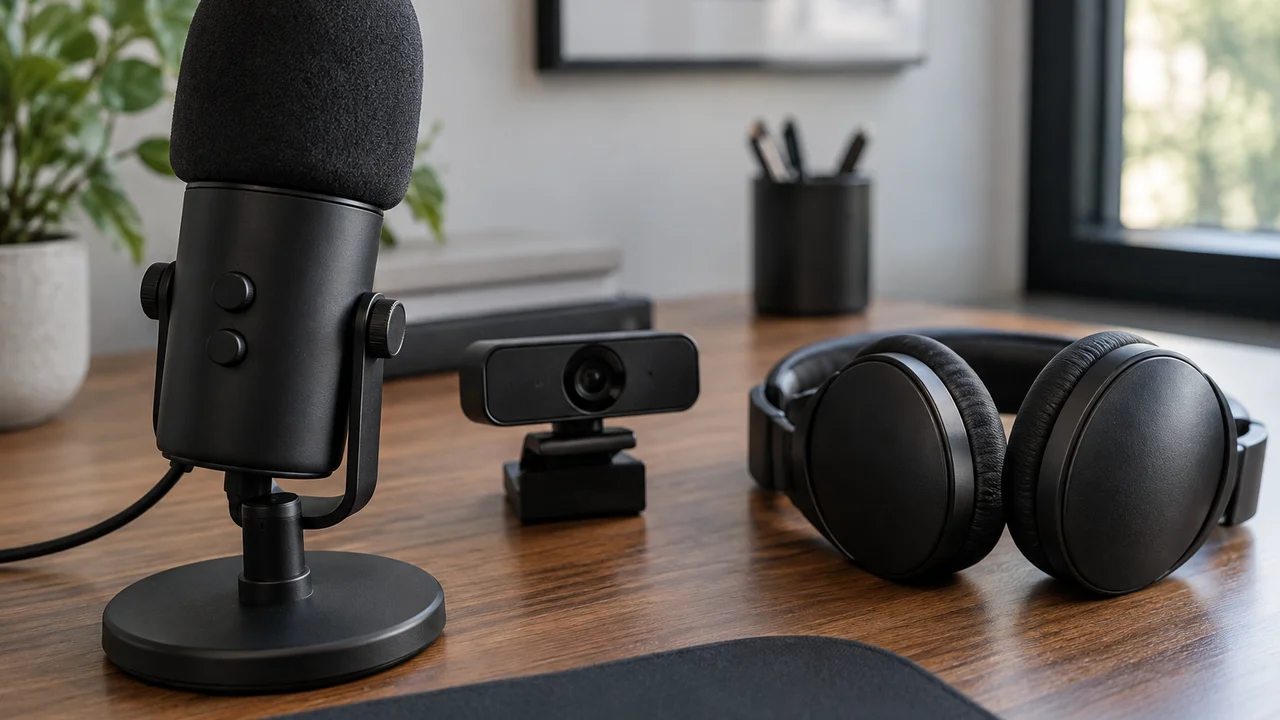
This is the mildly unpopular part of our take, and we’ll argue it properly rather than just asserting it: for most new streamers, audio quality matters more than video quality, and a cheap webcam paired with a genuinely good USB microphone will outperform a flagship webcam paired with a bargain-bin mic every single time. Viewers will forgive a slightly soft or low-resolution webcam picture far more readily than they’ll forgive crackly, tinny or echo-laden audio. Podcasts have proven this for years; nobody unsubscribes over video quality, but a bad mic will make people close the tab within thirty seconds.
A mid-range USB condenser microphone sitting somewhere around $100 to $150 at the time of writing will do more for your stream’s perceived production value than a $300 webcam upgrade. If you’re genuinely tight on funds, a decent gaming headset with an attached mic, something many of us already own, is a completely legitimate starting point. Upgrade the camera last, not first.
Capture cards: do you actually need one?
If you’re streaming from a gaming PC, no, almost certainly not. The whole point of a capture card is to get footage from a separate device, a console or a second PC, into your streaming software. If your PC is doing both the gaming and the streaming, that hardware encoder we mentioned earlier is already handling the job internally.
Where a capture card earns its keep is console streaming where you want more control than the built-in platform tools offer, or multi-source setups where you’re mixing a console feed with PC overlays. For most people starting out, though, this sits squarely in the “nice to have eventually” category rather than a first purchase. We’d rank it behind a decent mic, a basic set of lighting (even a cheap desk lamp with a diffuser works), and a stable internet connection.
The free software that actually matters
OBS Studio remains free, open source and genuinely excellent, and there’s no budget version of streaming software you need to graduate to later. Most of the paid alternatives on the market are selling convenience and templated overlays, not fundamentally better streaming quality. If you want a polished look without paying for it, there are enormous communities sharing free OBS overlay packs, and a bit of patience with the settings menu gets you ninety per cent of the way to what a paid tool offers.
The other free tool worth knowing is your platform’s own analytics dashboard, whether that’s Twitch or YouTube. Before spending money chasing growth, understanding when your existing small audience actually shows up does more for channel growth than almost any piece of gear.
Editing and clipping without a subscription
Content creation doesn’t stop when the stream ends. Clipping highlights for short-form platforms and basic editing for YouTube uploads used to mean a paid subscription to professional editing software, but that’s changed. There are capable free video editors available now, and several platforms including Twitch itself have built-in clip creation tools that require zero extra software. If you’re just starting out, resist the urge to buy an editing suite before you know whether you actually enjoy the editing side of content creation, because plenty of streamers discover they’d rather spend that time playing than cutting footage.
It’s also worth being realistic about your own time. A lot of new creators burn out trying to do everything, streaming, editing, clipping, social posting, all solo and unpaid. Our genuinely contrarian opinion here: we think most beginner guides oversell the value of cross-posting to every platform simultaneously. Pick one platform, get genuinely good at showing up consistently there, and treat the others as places to repost your best clips later rather than separate full-time jobs.
Data caps and sharing bandwidth at home
Most NBN plans these days are unlimited data, which removes one worry, but the shared household bandwidth problem is real and often overlooked. If someone else in the house is gaming, streaming video or on a video call while you’re broadcasting, your upload gets squeezed from both directions. Quality of service settings in your router, or simply having a conversation with housemates about peak streaming hours, solves more streaming quality complaints than any hardware upgrade we could recommend.
If you’re building toward a genuinely serious streaming setup, hardwiring your PC via ethernet rather than relying on Wi-Fi is one of the cheapest, least glamorous upgrades available, often under $20 for a decent cable, and it meaningfully reduces the packet loss and jitter that cause viewers to see a stuttery feed even when your raw speed numbers look fine. The ACCC has previously pushed internet providers on advertised versus actual speeds, so it’s genuinely worth testing your real-world numbers rather than trusting the plan brochure alone.
Game streaming on a budget: what’s worth the spend and what isn’t
If we were building a streaming setup from scratch on a genuinely tight budget in Australia right now, in order of priority it would look like this: confirm your upload speed and consider upgrading your NBN plan tier if it’s the bottleneck, buy a decent USB microphone before anything else physical, use OBS for free rather than paying for alternatives, and treat a capture card, ring light and dedicated streaming PC as things to revisit only once you’ve got a genuine, consistent audience that justifies the spend.
We’d also gently push back on the idea that you need the newest, fastest gaming hardware to stream well. A mid-range PC from the last few years, the kind we’ve discussed when comparing AMD Ryzen 9000 vs Intel Core Ultra 200 builds, will handle encoding and gaming simultaneously without drama. Chasing frame rate numbers matters for competitive play, but for streaming, consistency and watchability beat raw benchmark bragging rights almost every time. A steady 60fps stream that doesn’t buffer will keep more viewers than a flashy 144fps setup that stutters because the upload can’t keep up.
For console-first creators who are curious whether retro and handheld content has an audience too, niche hardware like the new Playdate handheld hits preorder crowd has built genuine communities around unconventional devices, proof that the games and personality matter more than the specs on paper. And if privacy is on your mind once you start broadcasting your screen and voice to strangers regularly, our piece on the privacy cost of on-device AI is a good one to read before you plug any always-listening assistant into your streaming rig.
None of this requires a sponsorship deal or a credit card you’ll regret. Start with what you’ve got, fix the internet bottleneck first, and spend on the microphone before the mood lighting. The rest can wait until the audience tells you it’s worth it.
Featured image: AI-generated illustration.