The Microsoft Surface Pro 2 stands as an ambitious attempt to redefine what a tablet can do in everyday life. Rather than focusing purely on entertainment, this device aims to bridge the gap between portability and true productivity. From students and professionals to parents managing daily tasks, it offers a flexible solution that combines the convenience of a tablet with the capability of a laptop.
In today’s fast-paced environment, having a single device that can handle work, creativity, and communication is increasingly valuable. The Microsoft Surface Pro 2 positions itself as more than just a gadget; it becomes a practical tool for learning, organising, and creating, making it appealing for families and individuals looking for efficiency in one compact device.
Display Quality and Visual Experience
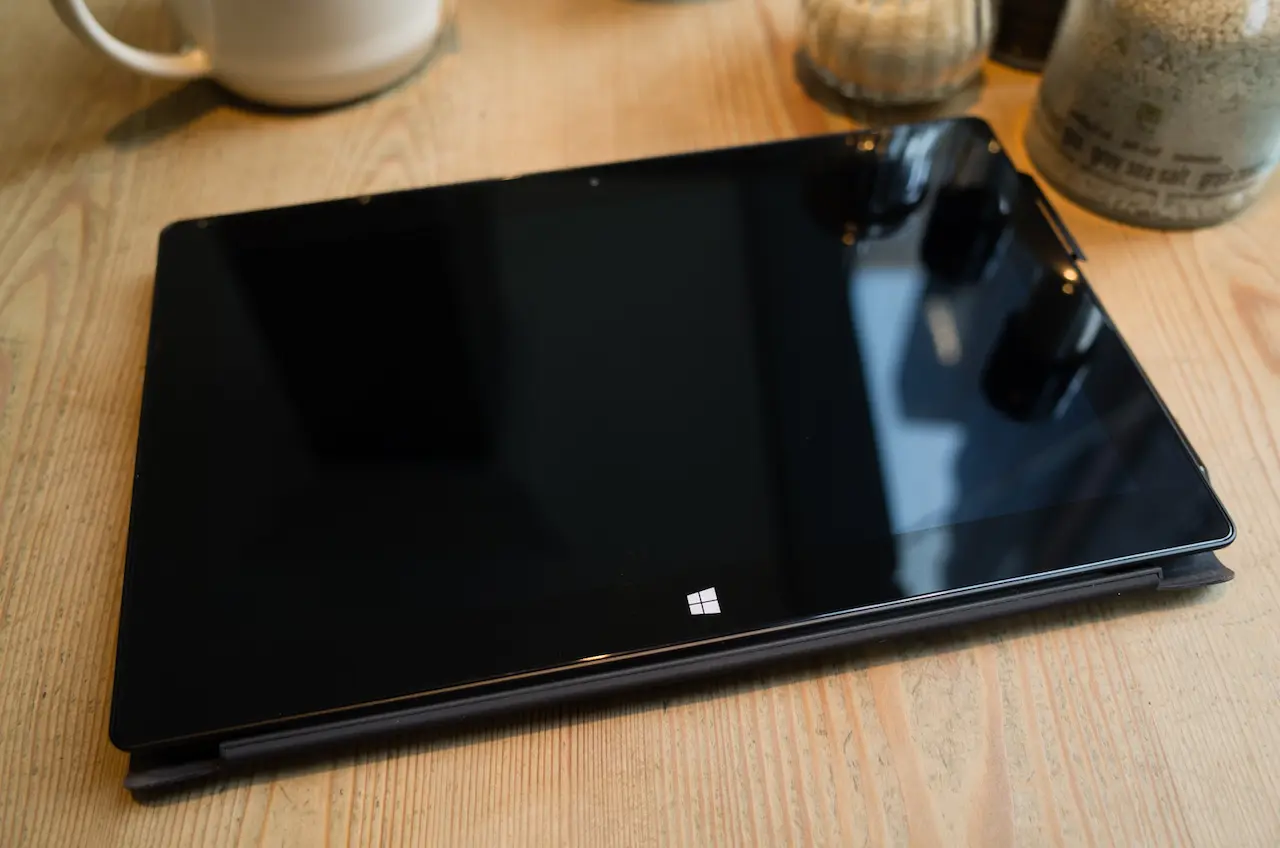
The display on the Microsoft Surface Pro 2 delivers clear and vibrant visuals, making it suitable for both productivity and entertainment. Whether you’re editing documents, watching educational videos, or browsing photos, the screen maintains a consistent level of brightness and clarity.
For families, this visual quality is particularly useful. Children can enjoy interactive learning apps, while adults can rely on the display for presentations or creative work. Although reflections may appear in very bright environments, the overall viewing experience remains strong and dependable for everyday use.
Performance and Productivity Power
When it comes to performance, the Microsoft Surface Pro 2 is designed to handle demanding tasks with ease. It offers the kind of speed and responsiveness typically found in laptops, allowing users to run multiple applications simultaneously. This makes it ideal for multitasking, whether you’re working on documents, browsing the web, or managing schedules.
The device supports a wide range of applications, which is a major advantage for productivity. Parents can manage finances, students can complete assignments, and professionals can work on projects all from a single device. This versatility reduces the need for multiple gadgets, simplifying daily routines and saving both time and effort.
Stylus and Creative Capabilities
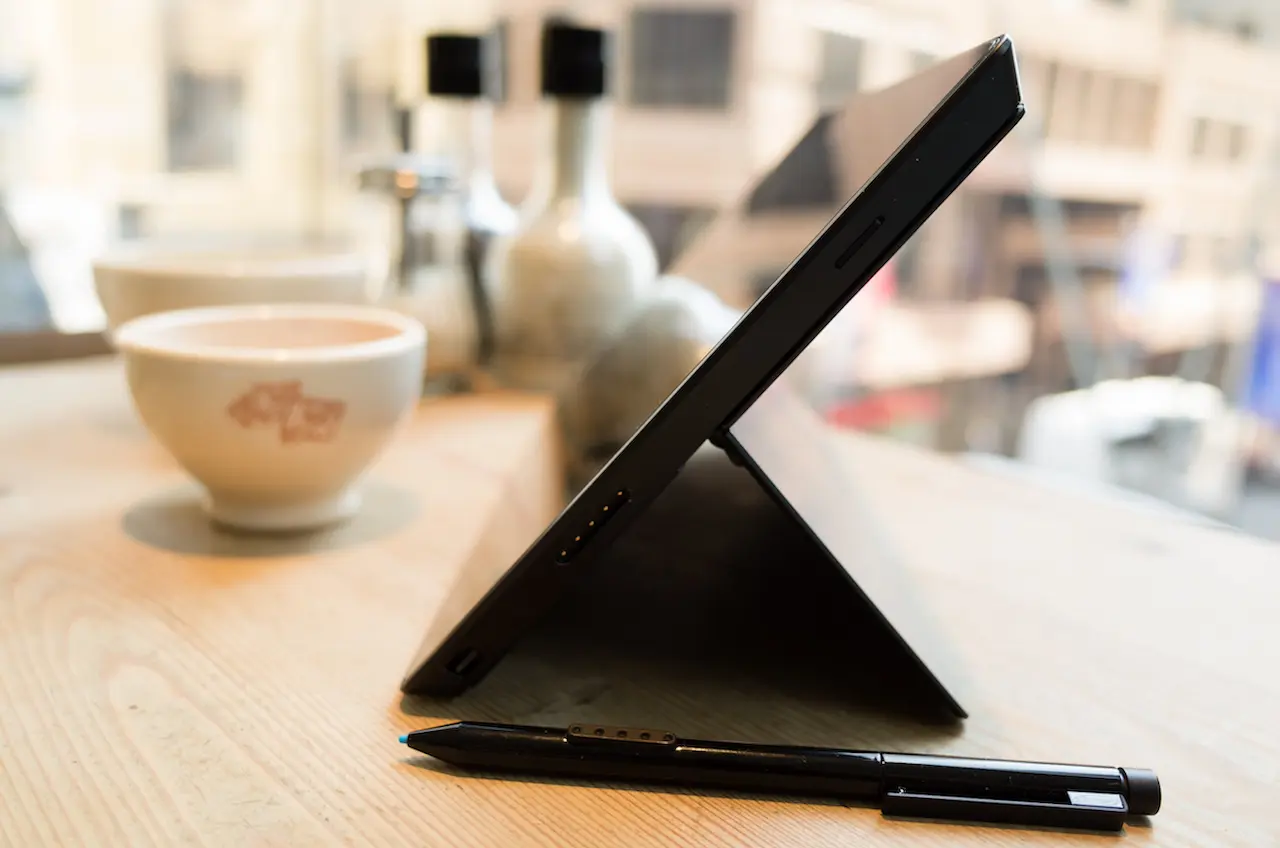
One of the defining features of the Microsoft Surface Pro 2 is its stylus support. This tool allows users to write, draw, and interact with the screen in a natural way. For students, it can serve as a digital notebook, while artists and creatives can explore sketching and design.
Families may also find this feature helpful for educational purposes. Children can practice writing or drawing, while parents can annotate documents or create visual notes. Although some setup may be required for advanced applications, the stylus adds a valuable layer of functionality that enhances the overall experience.
Keyboard Performance and Laptop Functionality
The addition of a detachable keyboard transforms the Microsoft Surface Pro 2 into a capable laptop alternative. It provides a practical balance between portability and functionality, allowing users to transition easily from tablet to laptop mode. This adaptability makes it well-suited for both casual and professional use.
Typing on the device feels comfortable and efficient, supporting everyday tasks such as writing emails, completing school assignments, and preparing reports. The keyboard enhances productivity by offering a familiar typing experience, which is especially valuable for users who rely on consistent performance for work or study.
This flexibility is particularly beneficial in shared environments. A parent can use it as a laptop for work during the day, then detach the keyboard for a more relaxed tablet experience in the evening. The ability to switch between modes ensures that the device adapts to different needs throughout the day.
Software and Compatibility
Running on a full desktop operating system, the Microsoft Surface Pro 2 supports a wide variety of applications. This compatibility allows users to access familiar tools for productivity, creativity, and communication. Unlike many tablets that rely solely on mobile apps, this device can handle more complex software, making it suitable for serious work.
For families, this means fewer limitations. Students can use educational programs, parents can manage household tasks, and professionals can work remotely without needing a separate computer. The device’s versatility makes it a practical choice for households looking to streamline their technology.
Battery Life and Everyday Use
Battery performance plays an important role in any portable device, and the Microsoft Surface Pro 2 offers enough power to get through most daily activities. Whether it’s writing documents, browsing online, or streaming content, the device can last for several hours on a single charge.
For parents and busy individuals, this reliability is essential. It allows for uninterrupted work sessions, online learning, or entertainment during travel. While more intensive tasks may drain the battery faster, the overall performance remains suitable for a full day of moderate use.

A Versatile and Multi-Purpose Device
The Microsoft Surface Pro 2 is not just designed for individual productivity; it also adapts well to different environments and user needs. Its versatility allows it to serve multiple roles, from a learning tool to a work device, making it a flexible option for a wide range of users.
It can be used for various activities, including educational apps, video calls, creative projects, and entertainment. This multi-purpose functionality reduces the need for separate devices, offering a convenient and cost-effective solution for everyday tasks.
Like any device, the Microsoft Surface Pro 2 comes with both strengths and limitations. Its biggest advantage is its ability to combine the features of a tablet and a laptop into one flexible device, though it may not fully replace specialised gadgets for every user. Some may find it less comfortable for extended handheld use, while others might still prefer traditional laptops for specific tasks, but overall, it remains a strong option in the productivity-focused tablet category.
Final Thoughts
The Microsoft Surface Pro 2 successfully delivers on its promise of being a productivity-focused tablet. It offers a unique combination of portability, performance, and versatility that appeals to a wide range of users. Whether you’re a student, a professional, or a parent managing daily responsibilities, it provides the tools needed to stay organised and efficient.
While it may not be perfect in every aspect, its ability to handle both work and entertainment makes it stand out. For those seeking a single device that can adapt to multiple roles, the Microsoft Surface Pro 2 remains a compelling and practical choice, one that continues to shape how we think about productivity on the go.