In today’s digital world, cloud storage and online collaboration are essential. The link between Google Drive and Mac Trojans. Even trusted services are susceptible to malware. Cybercriminals can take advantage of this false trust, as many users believe cloud storage to be safe, even if the files are from trusted sources. It is important to understand how these threats operate to stay safe when using cloud-based storage.
Cybercriminals use social engineering techniques to convince users to download malicious files using trusted platforms. Mac users are increasingly prone to this because they still think Macs are immune to serious threats. Cloud platforms and Macs can be part of an attack chain. It is important to understand how these threats operate to stay safe and enjoy the convenience of cloud-based storage.

Google Drive Is a Target for Mac Trojans
Google Drive is the most popular cloud-based storage service in the world. This makes it an attractive target for cybercriminals. Attackers use it to target a large audience because so many people use it every day. If malicious files are disguised to look like legitimate documents, users may not be suspicious at first.
Users are more likely to trust files that they find in the cloud if they have been shared by a friend or come from a known contact. This can lead to a lack of caution and the opening of malicious files without verifying them. Attackers exploit this mentality, knowing that users will click on files without thinking because they appear to be safe.
Cloud storage is used heavily in business environments to facilitate collaboration. Teams can share files, including images and project files, through shared drives or links. This makes it easier for hackers, once they have access to an account, to spread malware. In such cases, one compromised user could lead to widespread infection within an organisation. Cloud services such as Google Drive are often targeted by attackers who want to spread Mac Trojans.
How Attackers Exploit Trust?
Social engineering is used by attackers to gain user trust. Users are tricked into downloading malware by simple messages, which often use a sense of urgency or familiarity.
Common tactics include:
-
Fake notifications of document updates
-
Messages that appear to be from a trusted source
-
Urgent requests for opening a shared document immediately
People click on notifications of file updates without thinking. This is especially true when the notification appears to be from a trusted company. It is possible to fool even the most careful users with a message such as “Your document has been recently updated.”
The version control system can be a source of malware.
Attackers can exploit Google Drive’s feature of version control. A legitimate version of a document can sometimes be silently replaced by a malicious version without warning. Cloud-based files are often trusted by users, and they may not notice any unusual behaviour until they open the compromised file. Before the user even realises that something is wrong, malware could already be present.
Attackers use features that let files be modified without checking the file extension or type. A harmless image can be replaced with a malicious application. It can appear as a normal image in the preview. This type of attack can be particularly dangerous in teams that heavily rely on shared documents.
Potential Risks include:
-
Malware spreads quickly through a company’s network
-
Infected devices infect multiple devices in minutes
-
Multiple users are being robbed of sensitive data
If one user downloads malicious files, they can spread quickly across the network of the company, affecting multiple devices.
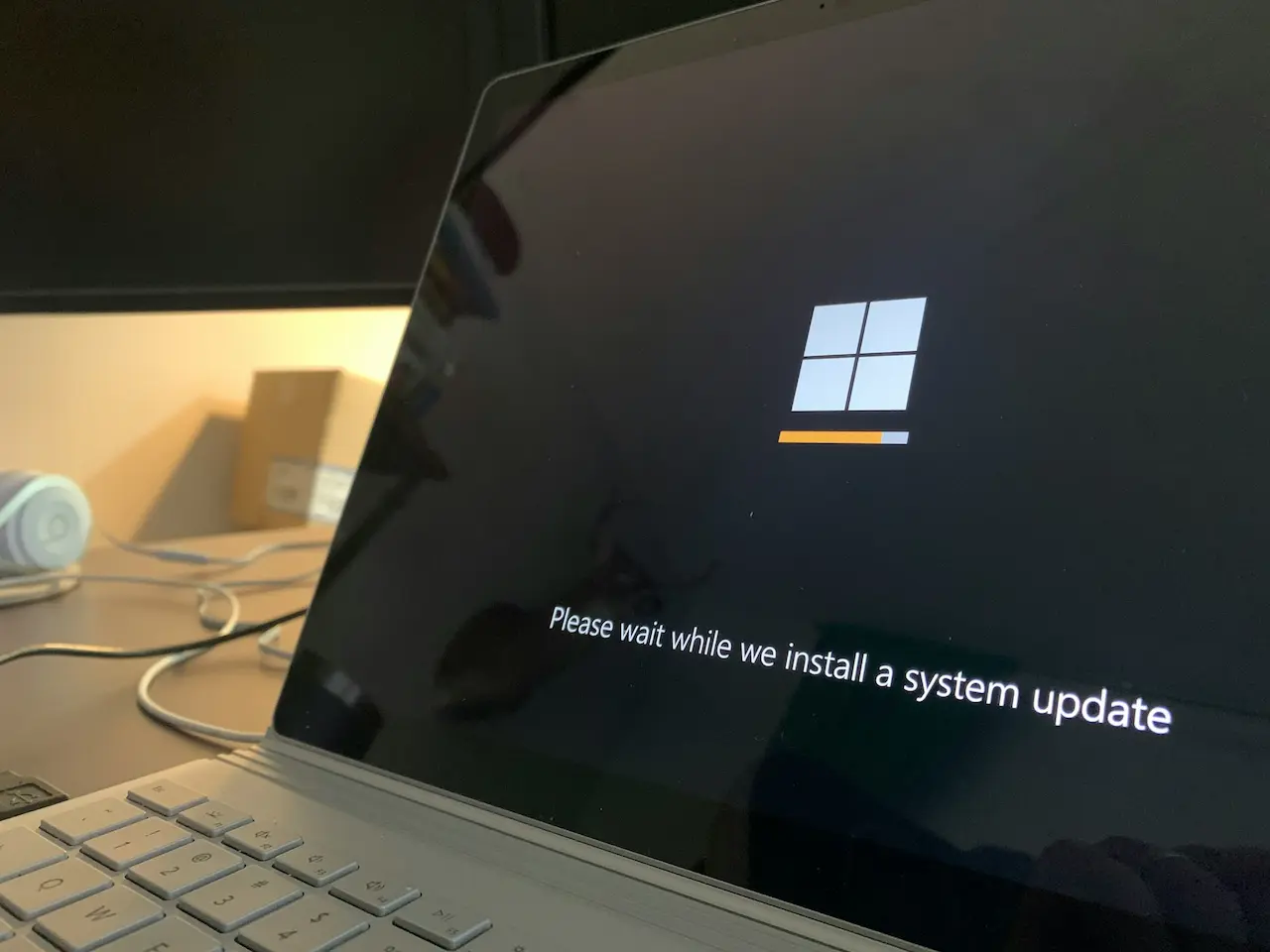
Mac Trojans are Delivered through Fake Updates
Hackers are increasingly faking browser updates to spread malware among Mac users. These prompts are often displayed when visiting compromised websites. These messages are very convincing. They use familiar fonts and logos to convince users that the prompt is real.
The user will download an infected version of the update instead when they click the “Update” option. This malware may appear to be a browser upgrade, but it is actually malware. This technique is based on a simple human behaviour. People want to update their software, so they automatically click.
Fake updates work
These fake updates are dangerous because they take advantage of user trust. Updates are generally legitimate, and many users install updates without hesitation. This is the reason attackers are so successful in using this tactic, especially against Mac systems.
Mac users can be tricked into bypassing security.
Hackers can circumvent Macs’ built-in protections by using clever tricks. A common trick is to ask the user to right-click on a downloaded file in order to open it. This method allows malware to be run without the usual warning.
Most users are unaware of this bypass technique. Once they enter their passwords, the malware begins to steal data right away. In this instance, the actions of the user are crucial to the attack.
How to stay protected?
-
Never trust unexpected update promp.ts
-
Downloading files from unknown websites is not recommended
-
Verify the source of any file before opening it
Even updates that seem legitimate may contain malicious code.
Search results that lead to Mac Trojans
Search engine results can be contaminated with malware. Attackers create pages that look legit but contain harmful files. These pages may appear when users are searching for popular videos, downloads, or trending topics.
Users may be redirected to a fake page when they click on search results. The page prompts the user download an unknown file. This tactic is effective because people trust search engine results. Hackers can spread malware more easily when users do so.
Malware uses advanced techniques to avoid detection
Some Mac Trojans are hidden in scripts and compressed files. Others disguise themselves as legit applications. Malware can appear as a normal installation but hide its actions.
Antivirus programs are unable to detect these threats due to the advanced techniques. Precaution and prevention are therefore more important now than ever. Even a seemingly innocent file can contain malicious code.
Stay Safe From Google Drive Trojans and Mac Trojans
Installing additional security software, even though Macs come with built-in protection, is a good idea. Antivirus software will identify threats that the default protection might miss, and stop malicious files from being run. As modern malware is becoming more sophisticated, you may be vulnerable if you rely solely on the built-in protection. Strong antivirus solutions act as a second layer of protection against new threats.
These services are also valuable if your personal information is stolen. These services can help you recover your identity and funds in case of fraud. Identity protection is an additional layer of security beyond antivirus software. It helps you deal with the effects of malware attacks in real life.
Safety Checklist
-
Download updates only from trusted sources
-
Ignore unexpected update prompts
-
Clicking on ads from unfamiliar websites is a bad idea
-
Verify each link before clicking
Final Thoughts – Be Alert and Protected
Even platforms that are trusted, like Google Drive, can be used to spread malware. Attackers use familiarity and trust of users to trick them into installing malicious software. Understanding these techniques is crucial to keeping your Mac safe.
Mac users should be aware that no device is immune to threats. The best defence is to update software regularly, practice good habits and use reliable security tools. Verify any downloads or update requests, and do not click on unknown links. You can enjoy cloud storage and online collaboration without having to worry about your data or privacy.