Goodbye, Windows XP, it’s the end of a legendary era. Many users feel like a new chapter has closed with its retirement, especially those who grew up using the familiar desktop and interface. For many years, XP was a reliable and consistent experience that helped millions of people learn how to use a computer.
This farewell also serves as an invitation to embrace the latest technology and learn how operating systems change. We can understand why XP has lasted this long by looking back at its history. Its retirement marks a significant milestone in computing. This highlights both the progress made by modern systems and XP’s lasting legacy.
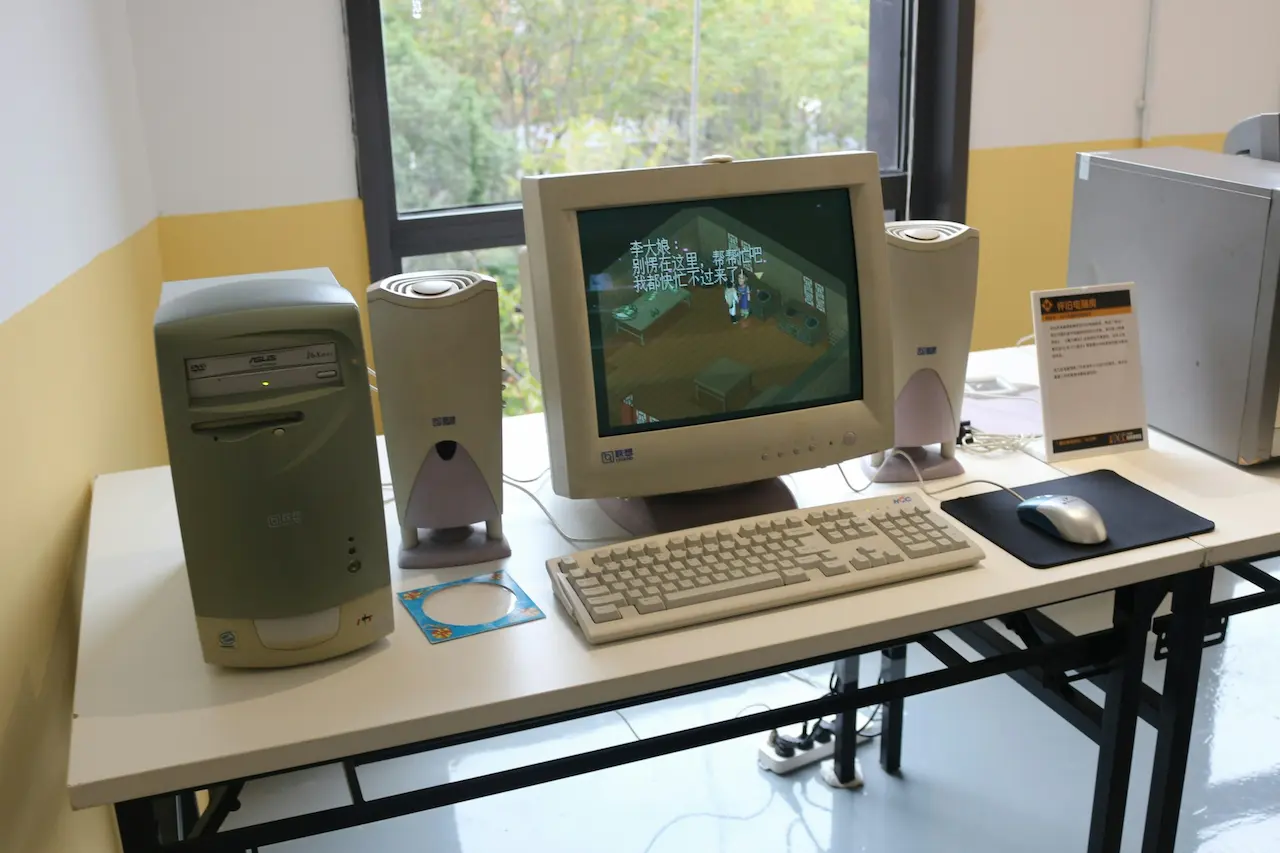
The official end of an Era
Microsoft announced the discontinuation of Windows XP at the end of June. This marked the end of a major chapter in the history of computing. System builders were still able to ship XP systems until early 2009. This meant that a small number of XP-based systems reached the market via manufacturers. The decision, although expected, still had a significant emotional impact on users who had relied on XP over the years.
Despite the popularity of newer operating systems such as Vista and Windows 7, XP has remained a popular choice due to its stability and low hardware requirements. It was made to run on older computers and avoid frequent upgrades. This made XP a valuable system for households, small businesses and schools who wanted reliable systems without having to spend extra money on hardware. XP was popular because of its simplicity and reliability.
Microsoft’s announcement of the end of XP felt like saying goodbye to a longtime friend. XP users who grew up with the operating system will remember its easy navigation and familiar desktop. Even as technology progresses, those who have used XP daily will always remember its comfort and familiarity. Its legacy continues influence the design and creation of future systems. This is especially true in terms of stability and usability.
Why was it difficult to replace XP?
Windows XP’s popularity was largely due to its compatibility with older hardware and applications. Many businesses rely upon legacy software, which may not be compatible with the newer operating systems, particularly those that are designed for Windows NT kernels used in Vista and later versions. Upgrades often resulted in downtime or the loss of essential programs. XP supports a stable driver model that is compatible with a wide range of devices, such as printers, scanners and other peripherals. It was a good choice for public and private institutions, schools, and businesses.
XP’s lower hardware requirements made it difficult to replace. Vista needed at least 1GB of RAM and a more powerful graphics card, while XP worked well on older hardware. Vista’s Aero interface required more GPU power, which older systems lacked, causing performance to be slow. Vista added new security features, such as User Account Control (UAC) and complex permissions that sometimes caused older software to malfunction. Many users chose XP as it worked well with older machines and supported a greater number of applications. This made the switch more difficult.
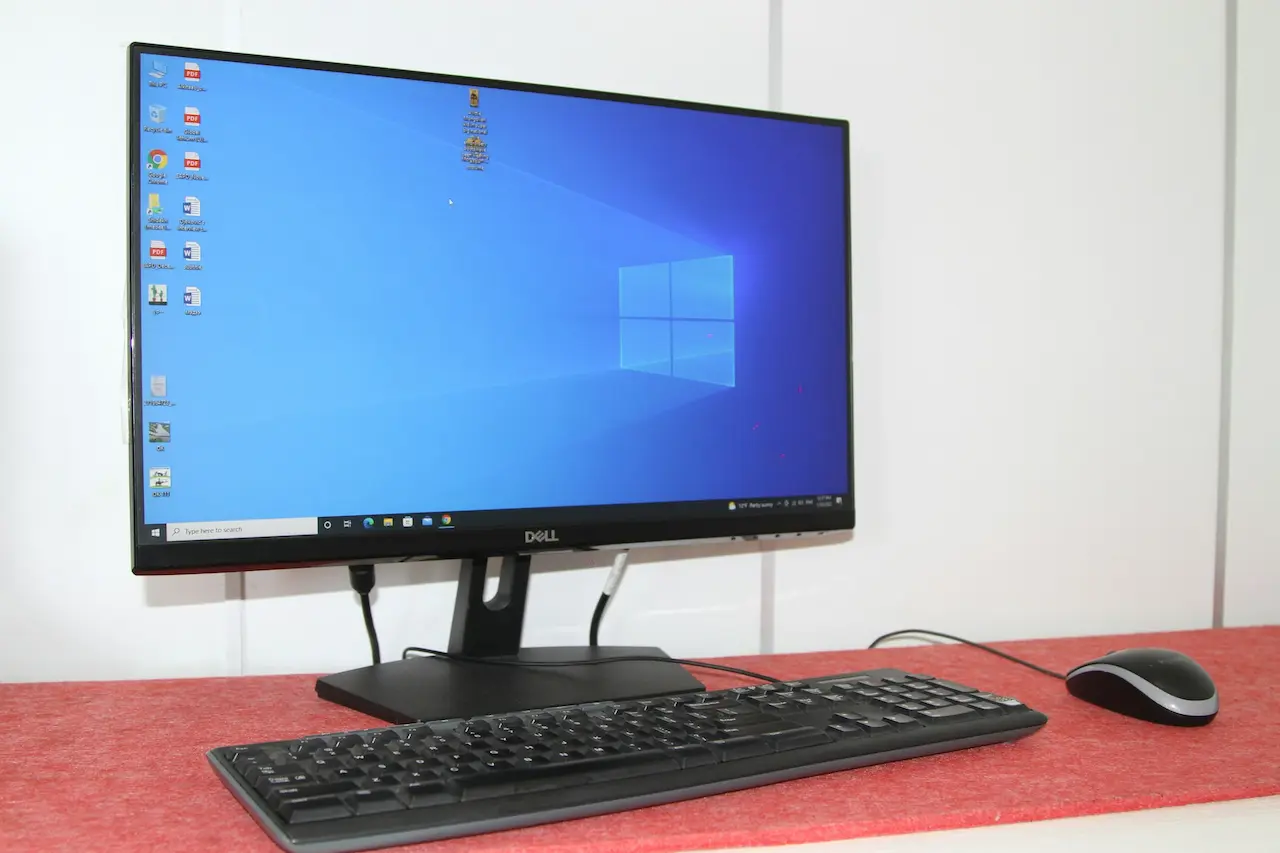
The Role of OEMs in the XP Lifeline
Dell, HP and other manufacturers continue to offer XP systems in order to meet customer demand. They were instrumental in keeping XP going longer than anticipated, particularly for users who weren’t ready to switch over to Vista. OEMs offered XP systems to users, allowing them to defer upgrading and use a system that they trusted.
This decision highlights the importance of feedback from customers in technology. The OEMs listened carefully to the concerns of users and adjusted their products accordingly. This served as a good reminder that the adoption of software is largely determined by affordability, compatibility and user experience. The XP Lifeline was a direct response to the user’s demand. It shows how customer preferences can have a powerful impact on technology trends.
Downgrade Options
Microsoft has introduced ‘downgrade rights’ that allow users to buy Windows Vista, but select Windows XP. The option was primarily aimed at business users, but also individuals who required XP due to compatibility issues. Downgrade rights were a temporary fix for many organisations that relied on old programs that didn’t run well on Vista.
The process was complex. It was confusing and expensive for users to first buy Vista and then downgrade. It was difficult for users who were not technically minded to understand licensing rules or have access to installation media. The downgrade rights were temporary, but they showed how difficult it can be to switch operating systems if compatibility is a problem.
The Rise and Challenges of Windows Vista
Windows Vista was designed to be the next evolution of Windows XP. It brought improvements to performance, security and visual design. The goal was to modernise Windows and provide better protection against new threats. Vista was supposed to be the new standard operating system from Microsoft, providing a modern experience for users.
Vista was not without its challenges. Many devices and applications were not compatible, causing widespread compatibility issues. Vista required more powerful hardware, which caused older computers to run more slowly. Many users opted to stick with XP because it offered a more reliable performance and was better suited for older software and devices.
Why did Vista fail to win over users?
Vista included features such as improved security, an updated interface, and enhanced multimedia support. These updates were designed to modernise Windows but also required major changes in hardware and software. The system was unfamiliar to many users, and they found it demanding compared to XP.
Cost and complexity were deterrents for businesses and schools that relied on outdated hardware and software. Windows XP remained reliable and stable without requiring any major changes. This is why users have delayed upgrading. Vista’s problems were a big reason XP remained more popular than expected.
The Promise of Windows 7
Microsoft developed Windows 7 to replace XP. Windows 7 was created to improve performance and compatibility while building on Vista’s architectural foundation. It was important to make sure that Vista investments would still be useful and smooth the migration process for both users and businesses.
Windows 7 was designed to fix the major issues that Vista had, including hardware requirements and compatibility issues. Microsoft worked closely with hardware and software vendors to improve the support for devices, applications and other technologies. Windows 7 became more appealing to those users who had been disappointed with Vista and were hesitant to upgrade.

The Legacy of Windows XP and Its Impact on Modern Computing
Windows XP was not just an operating system, but a computing environment that shaped our modern world. The stability, compatibility and simplicity of Windows XP made it a favourite among business users and home users. XP was a benchmark in how people interacted and used computers. It served as a basis for future systems. Many of the design elements used in XP are still present in today’s operating systems.
Microsoft’s commitment to long-term support of XP demonstrates its commitment to user confidence. Even after its retirement, XP continued to receive support for many more years, demonstrating how important it was to users around the world. XP is still popular due to its simple interface and high performance. It was used by many schools and small businesses for their daily operations. Its retirement marked an important shift in the way people use technology. This led to a new age of advanced systems and evolving expectations.
The End of XP, and the Beginning of a New Chapter
Windows XP is a legendary operating system that has shaped the way people use computers for many years. The retirement of Windows XP marks the end of a significant period in computing, but it also opens up new opportunities for innovations. Upgrades to newer systems bring new levels of performance, security and advanced features.
Now is the perfect time to upgrade to a more secure and performant system if you are still using Windows XP. Please contact us or leave a message below if you need assistance in choosing the right upgrade path.