The new YouTube’s Add to Device feature will keep you entertained even if your internet connection drops. This feature will allow users to save entire playlists or videos directly to their devices. You can watch without interruptions even if you lose your internet connection. This feature will be available in November, and viewers have up to 48-hours to watch saved content. This blog post will explain how the update works and why it is a game changer to anyone who likes to watch on the move.
YouTube’s latest feature is a real asset in a world of unpredictable internet connections. This feature ensures your favourite content is accessible during travel, commute, or when you lose your network signal. This is a significant change for those who use YouTube to learn, entertain themselves, or keep up with their favourite creators.
What is YouTube’s Add to Device Feature?
YouTube allows users to download videos and playlists for later viewing. Select “Add to Device” when you see a video that you would like to save. The video is saved directly to your device so that it can be accessed even if you lose internet access.
The content is accessible for up to 48 hours after it has been added. This allows you uninterrupted viewing. Your saved videos are available even when offline, for example, during travels or in places with a weak signal. YouTube is now more accessible to users who require reliable access.
The content is no longer available after 48 hours unless you reconnect to the Internet. The timer will reset when you reconnect, and you can resume watching from where you left off. This feature prevents long-term storage and helps keep your device from becoming overloaded.
How to find saved videos
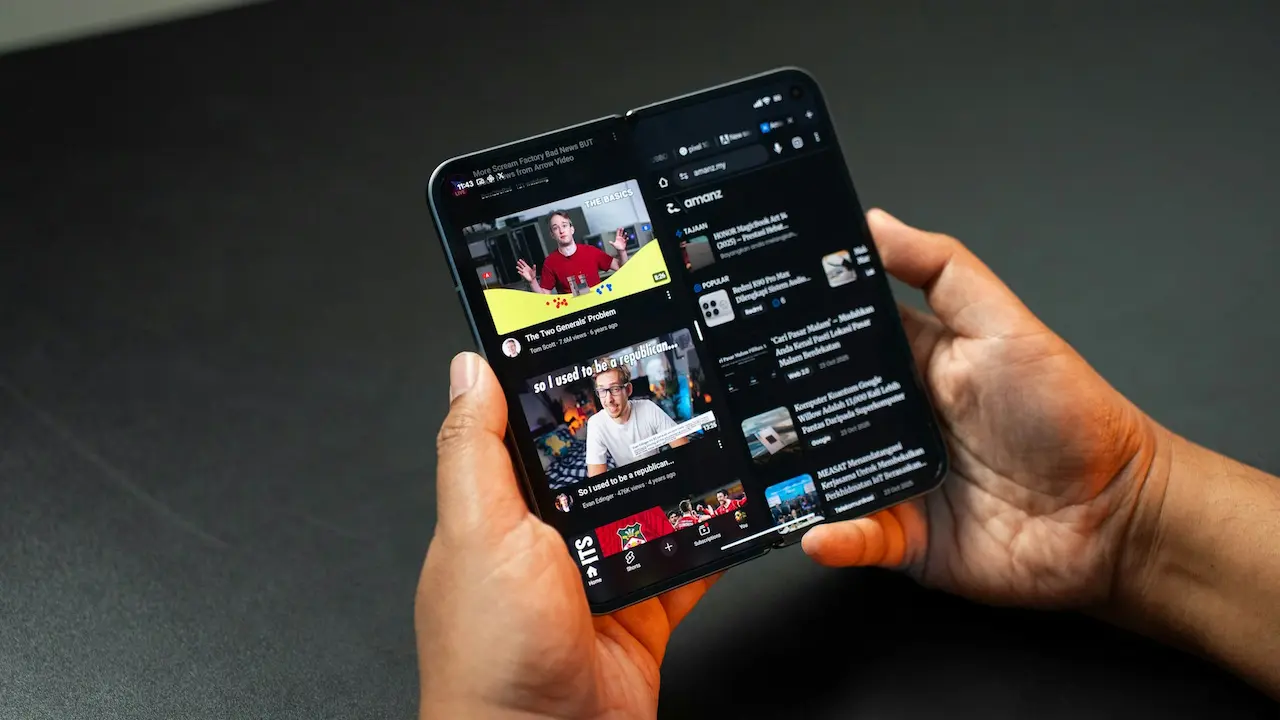
YouTube will automatically place all videos saved in the “on Device” section. It is easy to find and view offline content. If you lose internet connectivity, open the YouTube application and navigate to the “on device” section. There you will find all of your playlists and videos.
The guide is a simple and clean way to access your offline videos, so you won’t get lost trying to find them. This feature was designed to be seamless and feel like an extension of YouTube’s existing interface.
Perfect for busy travellers and people on the go
YouTube’s Add to Device Feature is great for busy people and travellers who want to access content while on the move. You can’t always rely on a strong internet connection when you travel, especially if you are in remote areas or travelling long distances. This feature allows you to save videos and watch them uninterrupted, no matter how good the network is. This feature turns your device’s screen into a portable learning and entertainment library that helps you to stay informed and entertained wherever you are.
The convenience of streaming video is unparalleled for busy people. You can schedule your viewing in advance, download the content while using Wi-Fi, and watch later without having to wait for it to buffer or load. You can watch your videos while you commute, wait in line or take a break. This feature is a great solution for those with busy schedules who want to keep up to date on their favourite YouTube content.
Your reliable companion on the go
Travellers should consider offline viewing. Internet access is not always reliable, even though it may be available at many locations. This is particularly true when travelling by road or on a plane. YouTube’s Add to Device allows you to download content such as educational tutorials or entertainment. No matter what the network is like, you will always be able to find something entertaining.
This is ideal for those on the move who do not have time to wait for videos to load. You can create content ahead of time and watch it uninterrupted. You can watch your saved videos on the bus, in line or while waiting.
Save Time & Data
Savings on data are also a benefit. Video streaming can quickly consume your data plan, particularly on mobile networks. By adding content to your device, you can watch it offline. This is especially useful for students, commuters or anyone who has a limited data plan.
You can also avoid unplanned charges by saving content. Since you can download videos and plan them while connected to Wi Fi, you can manage your viewing time. Your mobile experience will be more cost-effective.
The Creator’s Perspective: Control Over Offline Sharing
YouTube’s Add to Device allows creators to expand their reach while maintaining control over the distribution of their content. This feature allows creators to decide whether or not their videos can be downloaded for offline viewing. This feature is particularly important for those who wish to prevent certain videos from being shared or accessed outside of the platform.
YouTube allows creators to disable the offline feature per video or country. This gives them greater control over their content’s global distribution. The balance between convenience, control and protection makes this feature beneficial to both creators and viewers.
Creator options and Flexibility
YouTube allows creators to choose whether their videos will be added to mobile devices. If their content is only meant to be viewed online, creators can disable the feature. YouTube allows creators to disable the control for each video or per country.
This flexibility is crucial because it allows content creators to protect exclusive or sensitive content. Some creators may want to restrict offline access to certain videos or areas. This gives creators complete control over how their content is shared.
Creators can choose to disable.
Some creators disable this feature in order to protect sensitive content or exclusive content. Some creators choose to limit their content to online streaming. Most creators will likely keep this feature active as it allows them to reach more people.
Offline access can increase engagement, especially for audiences who live in areas where the internet is limited. This will encourage viewers to stay on the channel longer, resulting in better performance and increased audience loyalty.
Why is this feature so important?
YouTube’s offline feature is essential because it allows you to watch videos without interruption, even if your internet connection drops. This makes it ideal for binge-watching or catching up with playlists. This feature, unlike traditional downloads, is temporary, keeps the content current and allows you to save videos quickly. You can then watch them within 48 hours. It reduces buffering and the worry of losing internet at critical times, such as during live events or lengthy tutorials. This feature also allows you to view continuous videos, even if the playlist or series is long. This feature makes YouTube easier to use and more convenient for all users, but especially those who live in remote areas where connectivity is poor.
Continuous viewing without interruption
YouTube’s offline feature is unique in that it allows you to continue watching even if your internet connection fails. This feature, unlike traditional downloads, is temporary. It ensures that content remains current and under control. The 48-hour time frame allows users to save videos quickly and watch them in the next 48 hours. This is perfect for binge-watching or catching up with playlists. You can now enjoy your favourite content without having to worry about sudden signal drops and buffering delays.
This feature improves overall user experience, as it reduces buffering. It also eliminates the stress that comes with losing internet during critical moments. This feature is especially useful during live events, tutorials or long video sessions. This feature allows you to stay focused on a video without interruptions when you’re fully immersed. YouTube is now a reliable platform to view content at any time, anywhere.
Ideal for long playlists, serials and more
This feature is especially useful for those who like to watch long series or playlists. You can download an entire playlist and watch it without the internet. This is perfect for music playlists or documentaries that have multiple episodes. The viewing experience is smooth and uninterrupted with no buffering.
YouTube gains a powerful platform for entertainment and education by enabling this feature. This feature allows users to view content even in areas where there is poor connectivity. It makes the app more convenient and reliable. It brings YouTube closer in many ways to other streaming servic.es
Final Thoughts: An Upgrade that Everyone Can Use
YouTube’s add to device is an important upgrade that enhances the viewing experience of all users. This feature makes it easier to watch videos, especially for those who commute or travel often, as well as those living in areas where the internet is unstable. The 48-hour window allows users to enjoy their favourite content without interruptions.
Creators can also decide whether they want to allow offline access. This feature increases viewer engagement as viewers are more likely finish videos and playlists. YouTube plans to launch the feature by November. Offline viewing will become easier, more reliable, and more user-friendly. Add To Device has many benefits for both creators and viewers.